Knowledge Hub
How Much Should You Spend on an OBD2 Scanner?

You can buy an OBD2 scanner for less than the cost of a tank of gas.
You can also spend several thousand dollars on a professional diagnostic platform.
Both can be the right purchase.
The amount you should spend depends on one thing first: what do you actually need the scanner to do?
If you only want to investigate a Check Engine light, paying for professional coding and programming capability makes little sense.
If you need full-system diagnostics and bidirectional tests on multiple modern vehicles, the cheapest generic code reader will never become a bargain just because it costs less.
The best budget is therefore: the lowest total cost that gives you verified coverage for the jobs you genuinely need to perform.
Don’t Start With a Dollar Amount
A common buying process looks like this: “I have $200. What is the best scanner under $200?”
That is understandable, but it starts in the wrong place.
Start with: “What is the hardest real diagnostic job I need this tool to do?” For example: read and clear Check Engine codes; check readiness before emissions testing; graph fuel trims; read ABS and SRS codes; access all vehicle modules; command a cooling fan; perform ABS bleeding; register a battery; perform advanced coding; or work professionally across many makes.
Those jobs require very different tools. Only after defining the job should you set the budget.
What Does an OBD2 Scanner Cost?
The market spans from inexpensive basic readers to professional diagnostic systems costing thousands of dollars.
Current retail pricing across the market illustrates the range: simple consumer Bluetooth adapters commonly sell in the roughly $70–$140 range; established consumer diagnostic scanners commonly sit around $100–$150; mid-tier bidirectional/all-system consumer tools commonly land around $350; and higher-level bidirectional diagnostic tablets commonly reach the high hundreds to around $900, while flagship professional scan tools can sit in the mid-$500s and above before considering full professional workshop platforms.
These examples are useful for orientation. They are not a rule that says “$100 buys Feature X” or “$500 guarantees Feature Y.” Price and diagnostic capability correlate only loosely. Exact vehicle and function coverage still decides whether the tool is useful. Always recheck current prices before buying. They change.
Under About $50: Basic OBD2 Territory
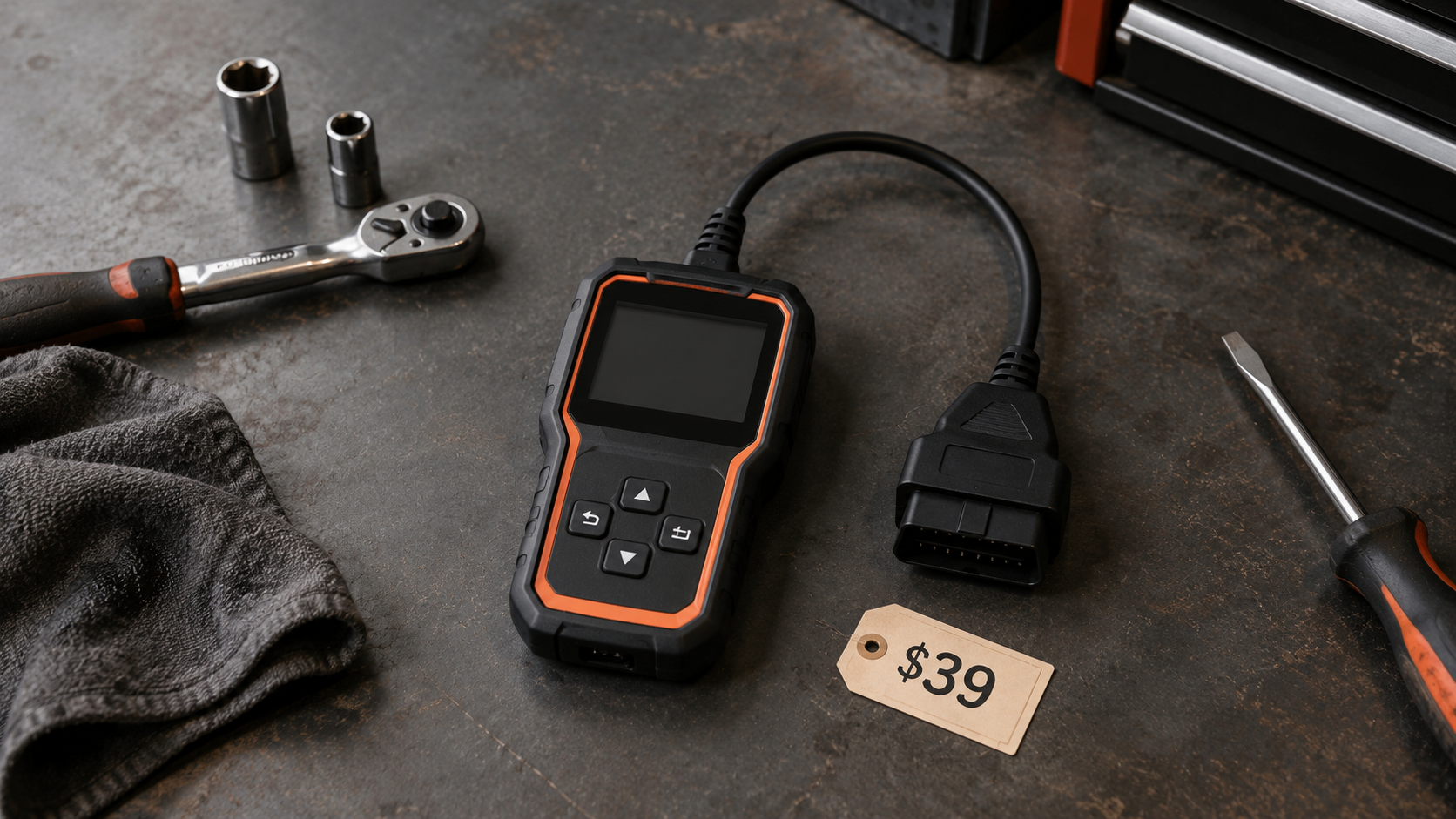
At the low end, you commonly find simple handheld code readers, inexpensive wired readers, and low-cost Bluetooth adapters.
Typical jobs can include reading standardized Check Engine DTCs, clearing supported emissions-related DTCs, checking I/M readiness, viewing basic OBD2 information, and basic live data on some tools.
This can be enough. If your goal is “My Check Engine light came on and I want to know the code before I decide what to do next,” you do not automatically need an expensive scanner.
But low price creates risks worth checking: limited features, poor app/software support, weak documentation, limited update path, uncertain hardware quality, and generic-only diagnostics. (Hardware quality is also the main real factor in whether a scanner can actually damage your car, worth a quick read before choosing the cheapest option.)
Also remember that a DTC is not a diagnosis. A cheap reader can retrieve a code perfectly well and still leave you with diagnostic work to do.
Roughly $50–$150: Stronger Consumer Choices
This range contains many established consumer tools and app-based ecosystems.
Depending on the exact product, you may gain better live data, graphing/logging, improved code descriptions, repair reports, enhanced manufacturer data, better apps, better support, broader protocol support, and some all-system capability on selected products.
The lesson is not that $100 is a magic number. The lesson is that you can often buy a genuinely useful consumer diagnostic system without moving into professional-tablet pricing.
Roughly $150–$400: Enhanced DIY Gets Interesting
This is where the market can become much more complicated.
Depending on the product and vehicle, tools in this broad area may add more module access, all-system diagnostics, OEM/enhanced live data, service functions, selected bidirectional tests, and better dedicated interfaces.
But this is exactly where buyers must stop comparing feature counts. A scanner advertising “30+ service functions” is not automatically better than one advertising fewer. You need the functions that work on your vehicle.
Likewise, “bidirectional” does not mean every active test is available on every supported make. Before spending more for these capabilities, read What Is Bidirectional Control on a Scan Tool? Active Tests Explained and Will Any OBD2 Scanner Work With My Car? OBD2 Compatibility Explained.
Roughly $400–$1,000: Advanced DIY and Entry-Professional Territory
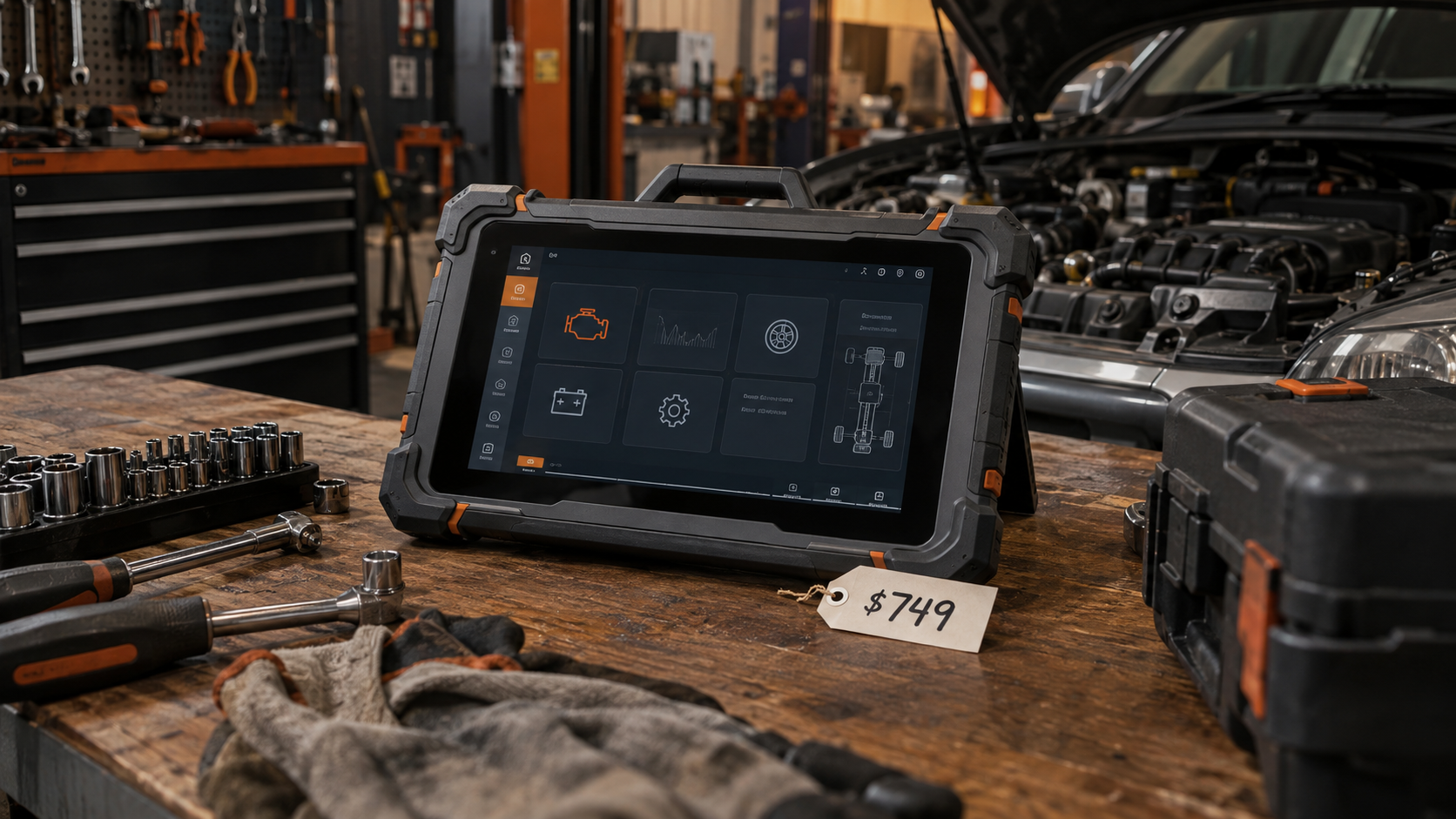
At this point, you commonly enter the market for more serious diagnostic tablets and advanced scan tools.
Depending on the exact model, capabilities may include broad full-system diagnostics, bidirectional controls, larger service-function sets, stronger manufacturer-specific coverage, more advanced live data, coding/adaptation functions on some vehicles, larger screens and faster workflows, and multi-vehicle professional use.
Serious diagnostic hardware now occupies this price region at multiple points, from advanced consumer/prosumer scan tools to entry bidirectional tablets. Those price points do not make every product in the range equivalent; they simply demonstrate that meaningful diagnostic depth exists across this range.
For an advanced DIY user who frequently repairs multiple systems, spending here can make sense. For someone who reads one Check Engine light every two years, it is probably unnecessary.
Above $1,000: When Professional Tools Begin to Make Economic Sense
Professional scanner prices can rise well beyond $1,000 and into several thousand dollars.
Current professional guides commonly segment workshop tools into ranges such as entry professional around several hundred dollars and above, mid-range professional around $1,000–$3,000, and flagship platforms above that. The exact numbers vary.
More important is why a professional pays more. A working technician may need broader make/model coverage, deeper module coverage, bidirectional controls, service functions, coding, programming-related capability, CAN FD/DoIP support, secure-gateway access, reports, repair information, technical support, faster hardware, and frequent software updates.
For a shop, time is money. If a better scanner saves diagnostic time, supports vehicles the shop would otherwise turn away, or enables billable procedures, higher cost can be rational. That logic does not apply automatically to a one-car DIY owner.
Expensive Does Not Mean Better for Your Job
Suppose Scanner A costs $150 and supports the exact active test you need on your car. Scanner B costs $600 but does not support that test on your model year.
Which is better? For that job: Scanner A.
A more expensive scanner may have broader vehicle coverage, more modules, faster hardware, more service functions and professional support. But none of those compensate for missing the function you actually need.
This is why SCG treats price as a constraint, not as a quality score.
Cheap Does Not Mean Good Value Either
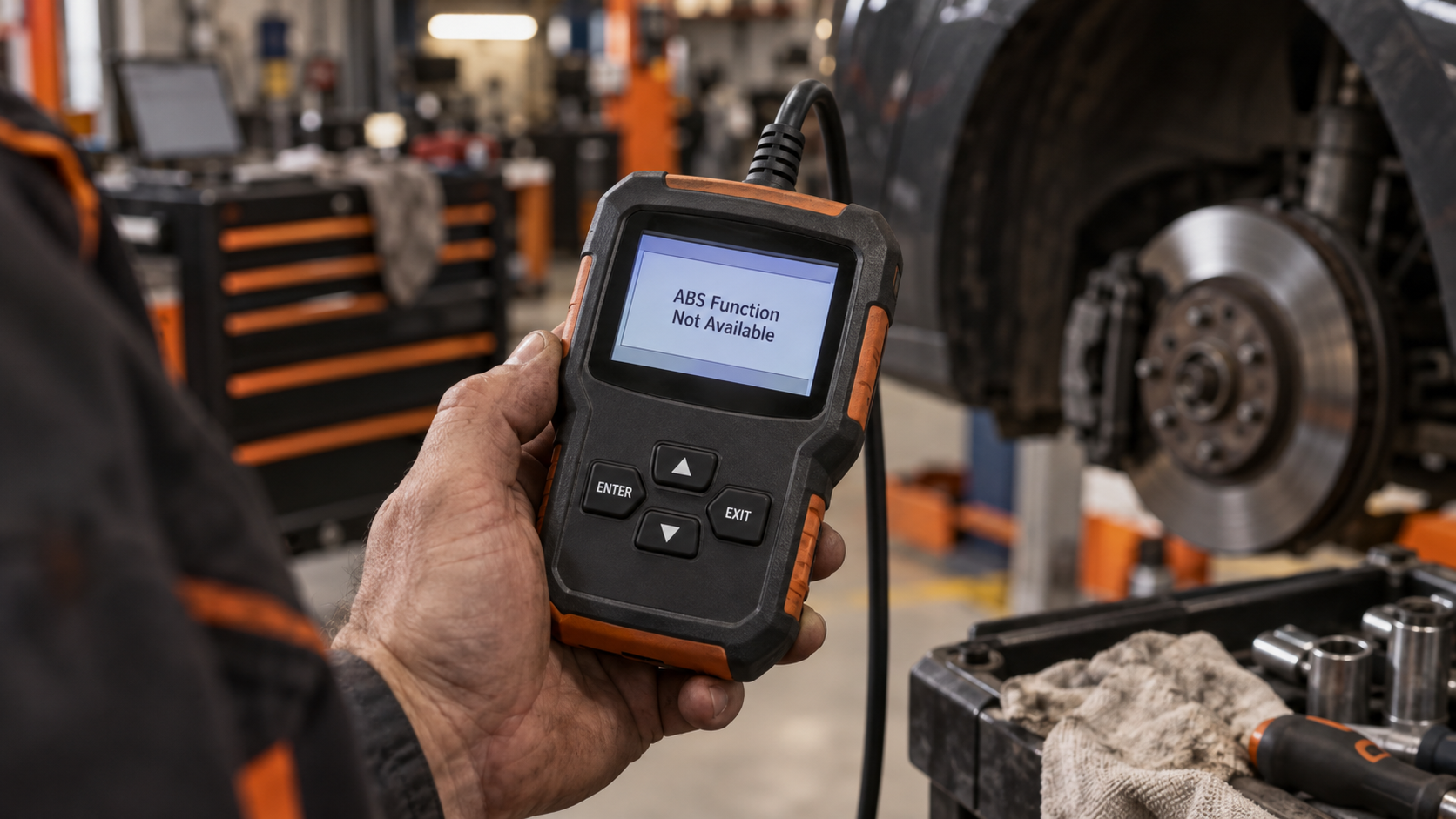
Now reverse the problem. Scanner A costs $30. Scanner B costs $120. You need enhanced ABS codes, useful live-data graphs, reports, and good software support.
If Scanner A cannot perform those jobs, saving $90 did not create value. The cheapest tool is only good value if it does the required job reliably enough for your use. Low purchase price and good value are not the same thing.
How Much Should a Beginner Spend?
For a beginner, the goal should usually be to avoid buying complexity before you need it.
If your needs are primarily Check Engine codes, readiness, freeze frame and basic live data, a consumer scanner can be enough. You may find appropriate tools below roughly $150.
But do not choose purely by price. Look for compatibility, clear interface, useful live data, trustworthy support and sensible software policy.
If you know you will soon perform deeper DIY repairs, spending more once may be more sensible than replacing a basic reader quickly. But “future-proofing” should have a realistic future. Do not spend $800 because you might someday learn ECU coding.
How Much Should an Advanced DIYer Spend?
An advanced DIYer may need ABS/SRS/transmission diagnostics, full-system scans, OEM live data, service functions and bidirectional tests.
The appropriate market often starts in the low hundreds and can extend well into the $500–$1,000 range depending on required coverage.
But define the functions before choosing the budget. For example, if your main reason for upgrading is “I need bidirectional controls,” do not search only by price. List the active tests you actually need and verify them on your exact vehicle.
How Much Should a Professional Spend?
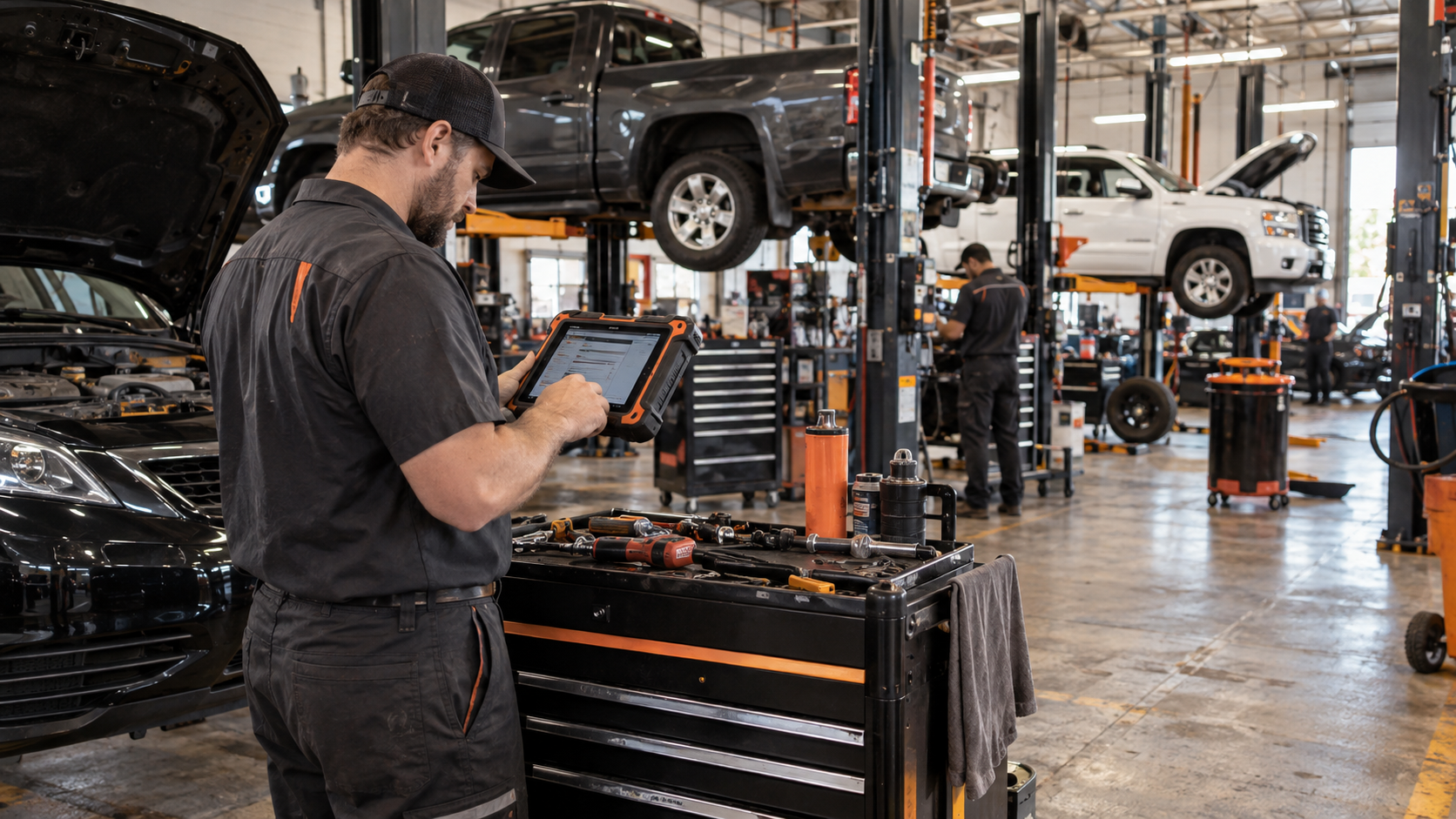
A professional should not use a consumer budget model. The scanner is a revenue-producing tool.
The better question is: what diagnostic capability does the business need, and what is the return on having it available?
Consider vehicle mix, jobs performed, number of technicians, daily scan volume, time saved, coverage gaps, update costs, support, programming requirements, and backup-tool needs.
A $2,000 tool can be too expensive for one shop and too limited for another. The purchase should be tied to work volume and capability requirements.
Don’t Forget Subscription and Update Costs
Purchase price is only part of the budget.
Suppose Scanner A costs $450 and includes the software you need without recurring fees. Scanner B costs $350 but requires paid renewals to maintain the advanced capability you depend on.
Scanner B may or may not remain cheaper over several years. You cannot know from sticker price.
SCG therefore recommends calculating purchase price + required renewals + paid feature packages + required external services over your expected ownership period.
For the complete framework, read OBD2 Scanner Subscriptions Explained: Updates, Renewals and the Real Cost of Ownership.
When Is It Worth Spending More?
Spend more when the additional money buys a capability you will actually use.
Broader module access is worth paying for if you diagnose ABS, SRS, transmission, body or chassis systems.
Bidirectional control is worth paying for if active tests materially improve the diagnostic jobs you perform.
Service functions are worth paying for when you regularly need the exact supported procedures.
Better vehicle coverage is worth paying for if you work across many makes or newer vehicles.
Better workflow is worth paying for professionally if faster scanning, reporting or navigation saves billable time.
Software support is worth paying for if you need current coverage.
The key phrase is: you will actually use.
When Should You Stop Spending?
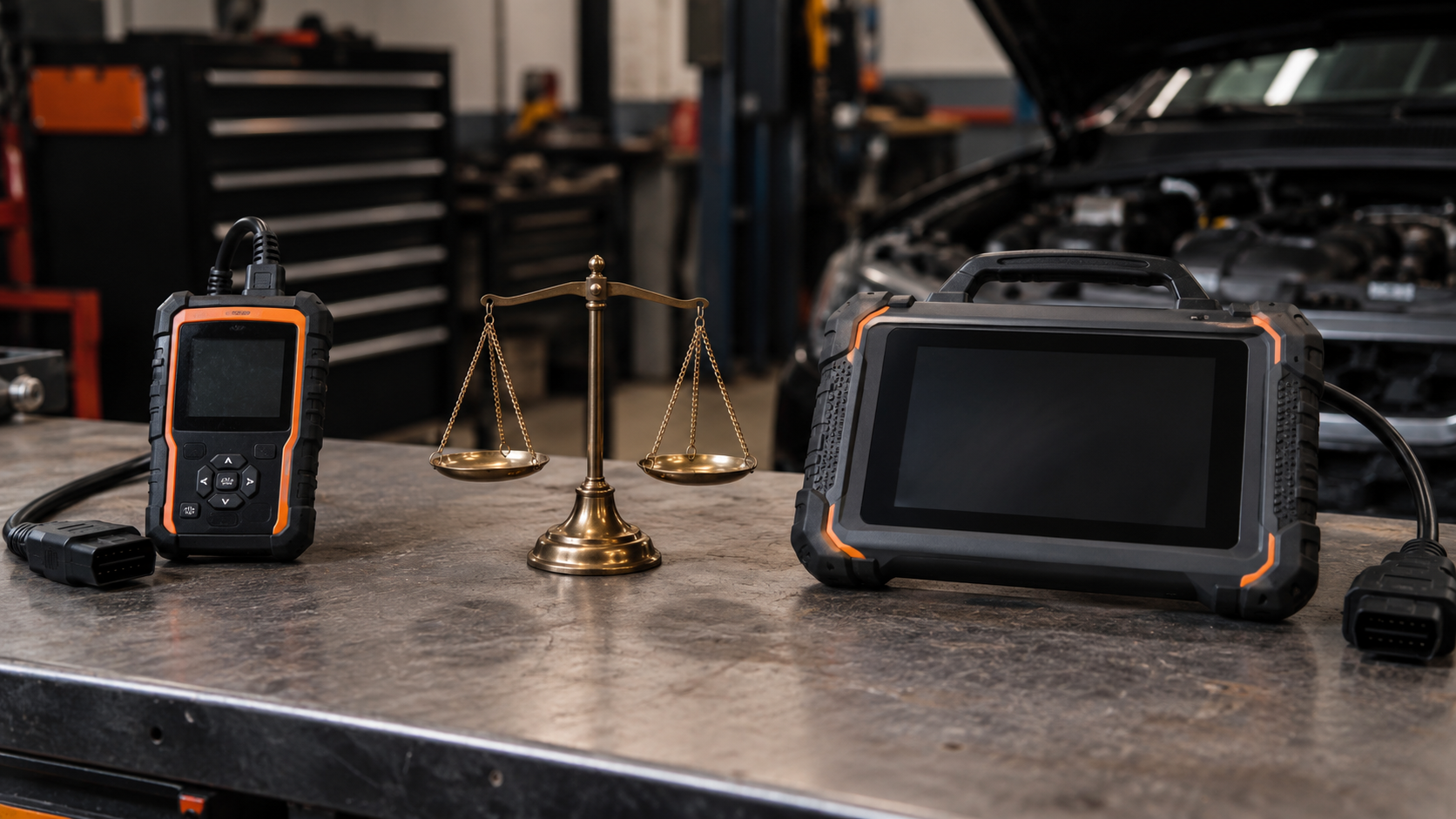
Stop when additional price no longer solves a real requirement.
If Tool A already provides verified vehicle coverage, every function you need, acceptable workflow and acceptable ownership cost, then Tool B needs to provide a meaningful additional benefit to justify a higher price.
“More features” is not enough. Ask: which job can Tool B perform that Tool A cannot, and will I actually perform that job? If you cannot answer, you may be paying for specification-sheet prestige.
A Better Way to Set Your Scanner Budget
Step 1: List the vehicles. Make, model, year, engine/configuration where relevant.
Step 2: List the jobs. Generic codes, ABS, SRS, transmission, live data, service resets, active tests, coding.
Step 3: Separate “must have” from “nice to have.” Do not pay professional prices for imaginary future use.
Step 4: Verify exact coverage. Use official coverage tools where possible.
Step 5: Find the least expensive tools that satisfy the must-haves. Now price becomes useful.
Step 6: Add ownership costs. Subscriptions, updates, paid apps, external services.
Step 7: Compare workflow and support. If two tools meet the same functional requirements, then compare ease of use, screen/app, speed, warranty, support and portability.
This order prevents both underbuying and overspending.
For the complete version of this decision process (covering vehicle, job, scanner class, compatibility, and budget in full), see our complete guide to choosing an OBD2 scanner.
Seven Budget Mistakes to Avoid
Mistake 1: Buying the cheapest scanner first. Cheap is only useful if it performs the job.
Mistake 2: Buying the most expensive scanner you can afford. Price is not a diagnostic requirement.
Mistake 3: Using price as proof of vehicle coverage. Always verify exact coverage.
Mistake 4: Paying for “50 service functions” without checking which work on your car. Feature count is not function coverage.
Mistake 5: Ignoring subscriptions and updates. Compare total ownership cost.
Mistake 6: Over-future-proofing. Buy for realistic next-step needs, not every capability that exists.
Mistake 7: Comparing sale prices as permanent market tiers. Scanner prices change. Use current prices only as examples, not timeless rules.
OBD2 Scanner Cost FAQ
How much does a basic OBD2 scanner cost?
Basic readers and adapters can cost well under $50, although quality, software and capabilities vary.
Is a $20 OBD2 scanner enough?
It can be enough for limited basic OBD2 tasks if the tool is compatible and performs them reliably. It is not enough simply because it can physically connect to the car.
Is a $100 OBD2 scanner worth it?
It can be. Current established consumer tools around this level can provide substantially better software, live data, reporting or enhanced diagnostics than minimal readers. Verify the exact product.
How much is a bidirectional scanner?
There is no reliable universal minimum. Bidirectional products span multiple price levels, and exact active-test coverage varies by vehicle. Buy based on verified tests, not the cheapest “bidirectional” label.
How much is a full-system scanner?
Again, there is no universal threshold. Full-system capability appears across consumer, prosumer and professional price levels. Exact module/function coverage matters more than the label.
Do I need a $500 scanner?
Only if the functions, coverage or workflow available at that level solve jobs you actually need to perform.
Is a $1,000 scanner better than a $200 scanner?
It may be broader, faster or more capable overall. But it is not automatically better for your exact vehicle and job.
How much should I spend for one personal car?
Usually far less than a professional shop, unless the vehicle requires specialized diagnostics you intend to perform yourself. Define the functions first.
How much should a professional mechanic spend?
There is no single number. A professional should budget based on vehicle mix, diagnostic depth, shop volume, time savings, software costs and revenue opportunities.
Are scanner prices stable?
No. Promotions, bundles, new models and policy changes can move prices. Recheck current pricing immediately before buying.
The Bottom Line
There is no magic OBD2 scanner budget.
A useful orientation: basic OBD2 tools can start below $50; stronger consumer tools often occupy roughly the $50–$150 region; enhanced DIY tools commonly extend through the low hundreds; advanced DIY/prosumer tablets often reach roughly $400–$1,000; professional platforms can cost $1,000 to several thousand dollars.
But those are market landmarks, not feature guarantees.
Set your budget in this order: define the hardest real job; verify the exact vehicle and function; decide how often you will use it; calculate subscriptions and update costs; buy the least expensive tool that reliably satisfies those requirements.
That is better than buying the cheapest scanner. And it is better than buying the most expensive scanner you can afford.
If recurring software costs are unclear, continue to OBD2 Scanner Subscriptions Explained: Updates, Renewals and the Real Cost of Ownership.