Knowledge Hub
Can an OBD2 Scanner Damage My Car?

Short answer: a quality OBD2 scanner, used correctly, is highly unlikely to damage your car. The system was built for exactly this kind of external, standardized communication. But “highly unlikely” is not “impossible,” and the real risk factors are specific enough to name. Here’s what actually can go wrong, how rare it is, and how to avoid it.
Why OBD2 Scanners Are Built to Be Safe
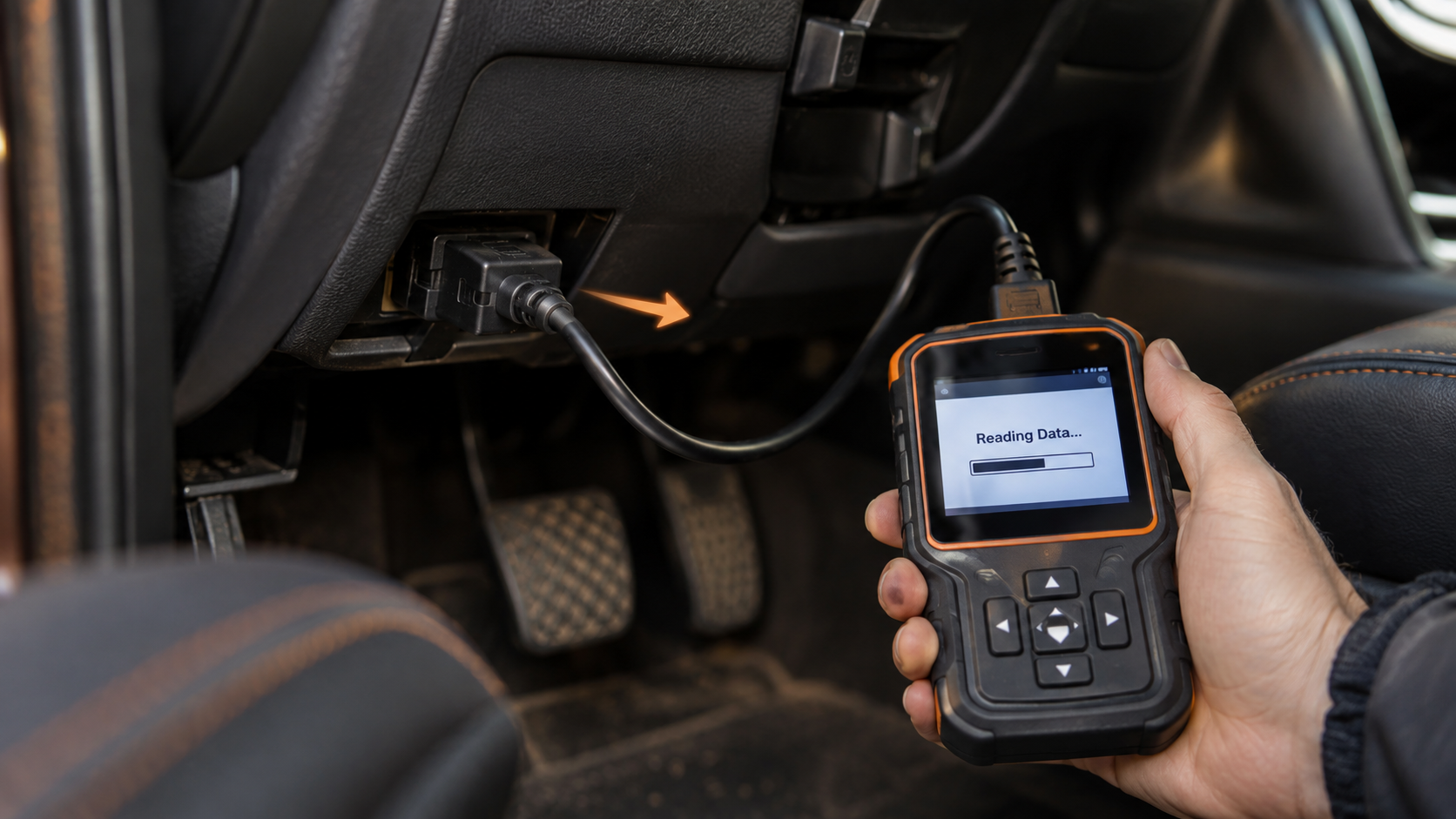
OBD2 was designed as a standardized, external communication system specifically so that diagnostic equipment could safely read information from a vehicle’s onboard computer without needing special authorization or invasive access. A standard scan (reading codes, viewing live data, checking readiness monitors) is a passive, read-only operation. The scanner asks the vehicle’s computer for information; it does not, by itself, change how the vehicle runs. That’s true whether the tool is an inexpensive code reader or a full professional tablet, because the underlying protocol works the same way at the basic OBD2 level.
This is worth understanding at a slightly deeper level, because it explains why the safety comes from the design, not from luck. When a scanner performs a standard read, it sends a request over the vehicle’s communication bus asking a module to report specific information, the module answers, and the scanner displays it. The vehicle’s computer is not being told to do anything different than it was already doing. Nothing about that exchange writes new instructions to the module, changes a setting, or alters how the engine, transmission, or any other system behaves. The vehicle keeps running exactly as it would with no scanner connected at all.
Where Real Risk Actually Comes From
The scenarios that can cause a genuine problem are specific, not general:
- Connecting or disconnecting while the vehicle is running. Plugging in or unplugging a scanner while the engine is on can create an electrical spike. Always connect with the ignition off, then start the vehicle if the scanner or procedure requires it.
- Low or unstable battery voltage during the session. If the vehicle’s battery is weak, the power drawn by the scanner and its connection can cause voltage to drop unpredictably during a diagnostic session, particularly during a bidirectional command or a coding/programming procedure that writes data to a module. This is the scenario most consistently flagged by scanner manufacturers as a real risk.
- Using bidirectional control or coding functions without understanding them. Reading codes and live data is inherently passive. Actively commanding a component (cycling a cooling fan, running an ABS solenoid, or coding a module) is not. These functions exist for real diagnostic and service reasons, but sending a command to a component you don’t understand, or interrupting a coding/programming procedure partway through, is where genuine risk concentrates. See What Is Bidirectional Control on a Scan Tool? for what these functions actually do before using one.
- Low-quality or poorly made hardware. A scanner that doesn’t follow the OBD2 communication protocol correctly is the scenario most often cited when “can a scanner damage my car” comes up. This isn’t about price alone: it’s about whether the specific product is built and documented correctly. An established, well-documented scanner from a manufacturer that publishes real specifications is a fundamentally different risk profile than an unbranded device with no documentation at all.
Why ECU Programming and Coding Carry More Real Risk
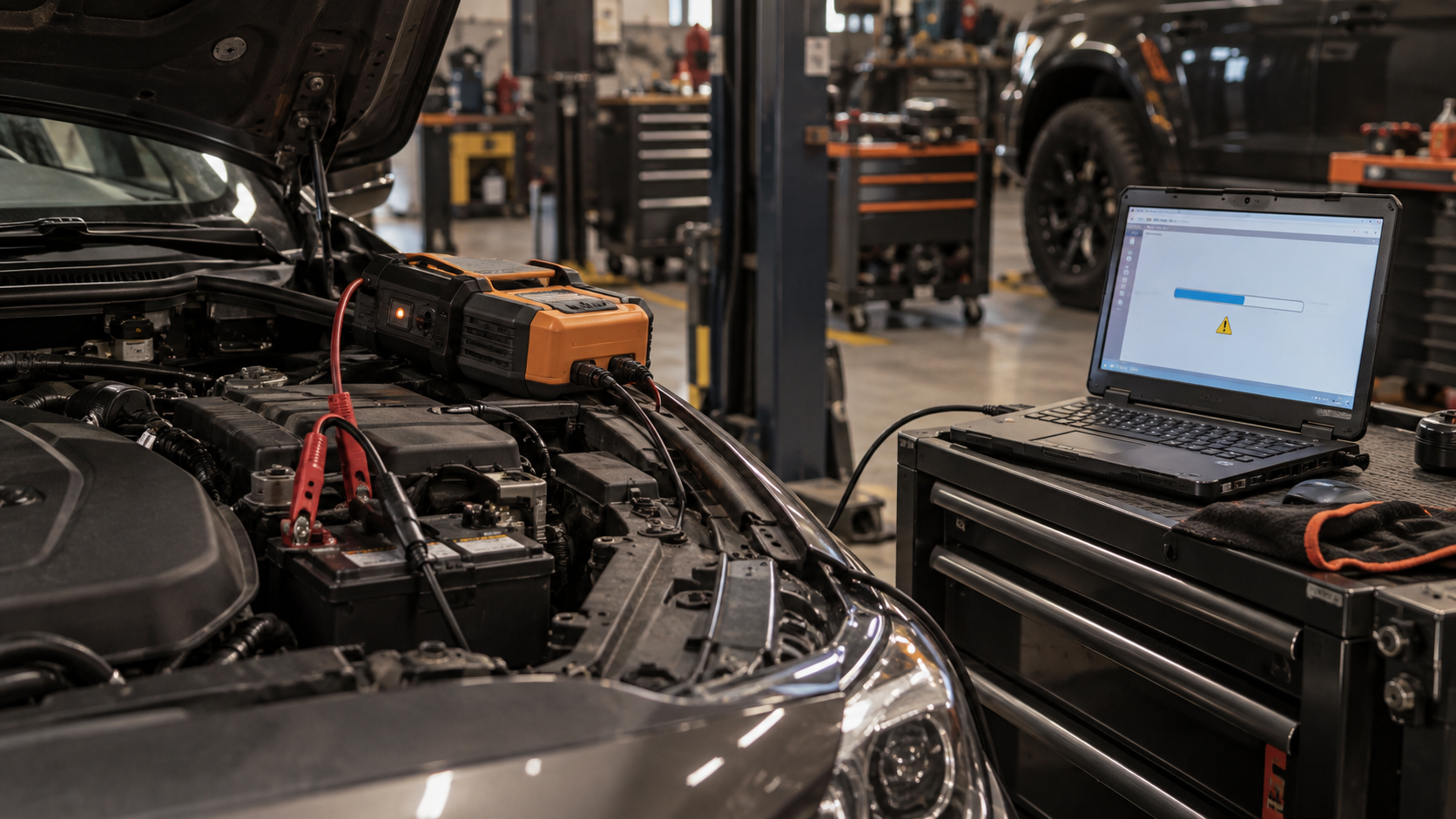
Basic code reading and live data are read-only by design, but not every function a modern scanner offers works that way. Programming, flashing, and some coding procedures actually write new data or new software to a vehicle’s module, which is a fundamentally different operation from reading information back. If that kind of write procedure is interrupted, whether by a voltage drop, a lost connection, or the process being stopped partway through, the module can be left with incomplete or corrupted data. In the industry, this is commonly described as “bricking” a module: the module can no longer function correctly and, depending on the vehicle and module, may need to be reprogrammed or replaced by a qualified shop to recover.
This is exactly why manufacturers who support these procedures are consistent about a few requirements: a stable, adequately charged battery (sometimes specifically enforced with a battery maintainer during the procedure), an uninterrupted connection, and following the tool’s instructions without stopping partway through. See ECU Coding vs Programming vs Adaptation for what these terms actually mean and how much risk each one genuinely carries, since they are not all the same procedure and they don’t all carry the same level of risk.
It’s also worth separating this from ordinary scanning by capability tier. A basic code reader physically cannot perform programming or flashing, so this risk category simply does not apply to it. It becomes relevant only with scan tools that specifically advertise programming, coding, or module-writing functions, and even then, primarily during the moment that specific function is actively being used, not during ordinary code reading with the same tool.
What About Clearing Codes?
Clearing a trouble code doesn’t damage the vehicle mechanically, but it isn’t risk-free either: it erases diagnostic information (freeze-frame data, code history) that can help identify the actual problem, and it resets emissions-readiness monitors that some inspection programs require to be complete before a vehicle can pass. Clearing a code you don’t understand can cost you useful evidence without fixing anything. See What to Do After Your OBD2 Scanner Finds a Trouble Code for the right order of operations.
Readiness monitors deserve a closer look, since they’re the part of this that catches people off guard. After a code is cleared, the vehicle’s emissions systems have to run their own internal self-tests again before they report as “ready.” Depending on the vehicle and how it’s driven afterward, that can take anywhere from a short drive to several days of varied driving conditions. If you clear a code shortly before a scheduled emissions inspection, you can genuinely fail that inspection, not because anything is actually wrong with the vehicle, but because the readiness monitors haven’t finished re-running yet.
Does Using a Scanner Void My Warranty?
This question comes up almost as often as the damage question itself, and the two are related. In the US, the Magnuson-Moss Warranty Act generally prevents a manufacturer from voiding a vehicle’s warranty simply because you used an aftermarket part or an aftermarket diagnostic tool. A dealer or manufacturer typically has to show that the specific aftermarket item actually caused the specific problem being claimed, not just that one was present or used at some point.
That said, this protection is about ordinary use, not a blanket shield against every scenario. If a scanner is used incorrectly in a way that genuinely causes damage, such as interrupting a programming procedure or using it with a severely unstable electrical system, that specific damage can still be a legitimate warranty issue regardless of which tool was involved. The law protects you from a warranty being voided just because you own or used a scanner. It does not protect a component that was actually damaged by improper use of one.
Common Misconceptions
Myth: Just plugging in a scanner can trigger a new fault. Fact: a standard read-only connection does not write anything to the vehicle’s systems, so simply connecting a scanner and reading data does not create a new code or fault on its own.
Myth: All scan tool functions carry the same level of risk. Fact: reading codes and live data is passive and low-risk. Bidirectional control, coding, and programming functions are active and carry meaningfully more risk, because they can write data or command components rather than just reporting information.
Myth: A more expensive scanner is automatically safer to use. Fact: price is a weak proxy for safety. What actually matters is whether the specific product correctly implements the OBD2 protocol and is properly documented by its manufacturer, which is not guaranteed by price alone in either direction.
Myth: If something goes wrong during a scan, it’s usually the scanner’s fault. Fact: in most documented cases, the underlying cause traces back to one of the specific risk factors above (an interrupted connection, low battery voltage, or an interrupted programming procedure), not a properly functioning scanner behaving unpredictably on its own.
How to Minimize the Actual Risk
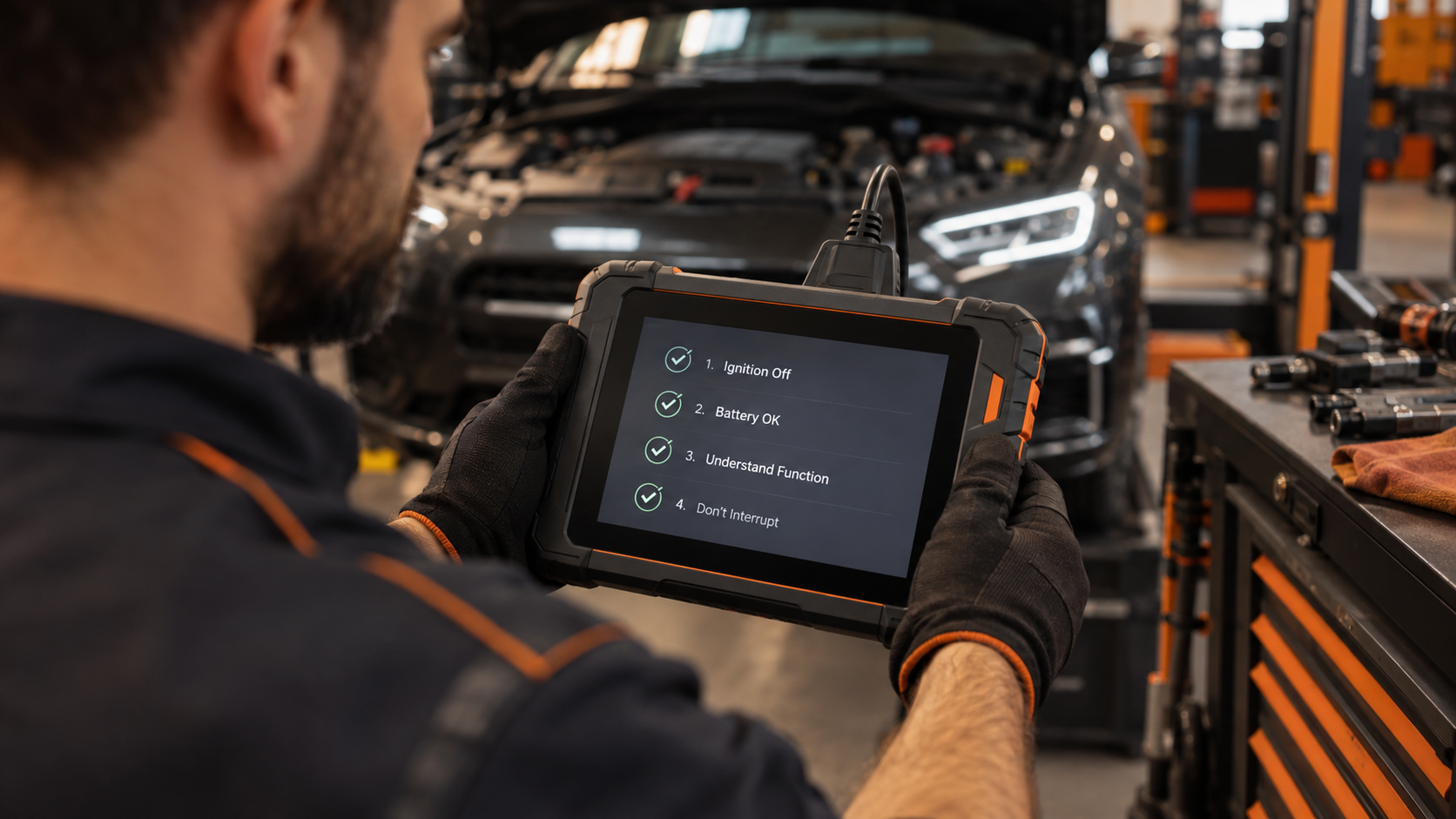
- Connect and disconnect the scanner with the ignition off.
- Make sure the vehicle’s battery is in good condition before starting any diagnostic session, especially before using bidirectional, coding, or programming functions.
- Understand what a function does before using it: particularly anything that sends a command back to the vehicle rather than simply reading information.
- Choose a scanner from a manufacturer that documents its own specifications and capabilities clearly, rather than an unbranded device with no real documentation.
- Follow the scanner’s own instructions for any procedure that writes data to a module, and don’t interrupt it partway through.
- If a programming or coding procedure specifically recommends a battery maintainer or stable power source, use one rather than relying on the vehicle’s battery alone.
- Avoid clearing a code you haven’t reviewed and understood, especially close to a scheduled emissions inspection.
FAQ
Can a cheap OBD2 scanner damage my car?
It’s still unlikely, but the risk is higher with unbranded, undocumented hardware than with an established, well-documented product, because a poorly implemented scanner is more likely to communicate incorrectly with the vehicle’s systems.
Can reading codes with a scanner damage my car?
No. Reading codes and live data is a passive, read-only operation by design.
Can bidirectional control or active tests damage my car?
It’s more of a real consideration than basic code reading, because these functions send commands back to the vehicle. Understand what a specific active test does before running it, and only use functions appropriate for the diagnostic job at hand.
Can ECU programming or coding damage my car?
This carries the most real risk of any scan tool function, because it writes new data or software to a module rather than just reading information. An interrupted procedure, or one performed with unstable battery voltage, can leave a module unable to function correctly.
Is it safe to clear a check engine code myself?
Mechanically, yes, but it erases diagnostic information that can help identify the actual problem, and it resets emissions-readiness monitors. Understand the code first, and avoid clearing one shortly before a scheduled emissions test.
Should I connect the scanner with the engine running?
No. Connect and disconnect with the ignition off to avoid an electrical spike.
Does a weak battery make scanning more risky?
Yes, particularly for bidirectional, coding, or programming functions. Unstable voltage during one of these sessions is one of the most consistently cited real risk factors by scanner manufacturers.
The Bottom Line
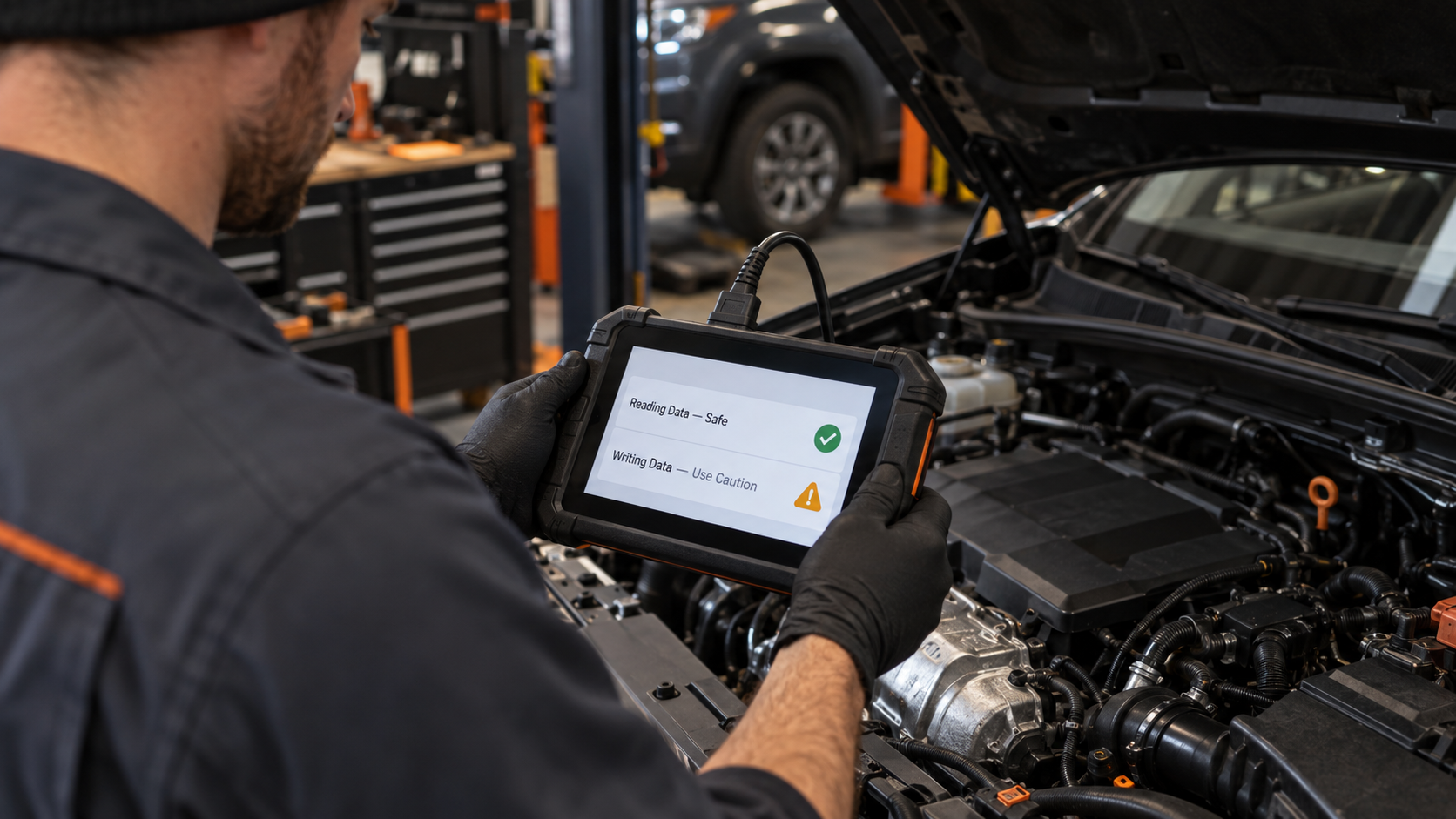
Reading codes and live data with a properly functioning OBD2 scanner is fundamentally safe: that’s what the standard was built for. The real risk factors are specific and avoidable: don’t connect or disconnect while running, keep the battery healthy during any session, understand active, bidirectional, coding, and programming functions before using them, and choose a scanner that’s actually documented by its manufacturer. The highest real risk concentrates in programming and coding procedures specifically, not in ordinary scanning, so treat those functions with extra care if your tool supports them.
If you’re still deciding which scanner to buy, see How to Use an OBD2 Scanner: Step-by-Step Guide for how to run a session correctly from the start.
To understand what bidirectional control functions actually do before using one, read What Is Bidirectional Control on a Scan Tool?
For the difference between coding, programming, and adaptation, and which one carries the most risk, see ECU Coding vs Programming vs Adaptation.
If you are new to scanners, see the Best OBD2 Scanners for Beginners.