Knowledge Hub
CAN FD Explained: Why It Matters for Modern OBD2 Scanners
A scanner specification says: CAN FD Supported.
Another scanner does not mention CAN FD at all.
Does that mean the first scanner diagnoses more systems? Is it faster? Do you need it for a newer car?
The first thing to understand is: CAN FD is a communication protocol capability, not a diagnostic function. It helps compatible electronic control units and diagnostic equipment exchange data using an evolution of the CAN protocol.
It does not automatically mean the scanner has full-system diagnostics, bidirectional control, ECU coding, ECU programming, every service function, or coverage for every CAN FD vehicle.
For scanner buyers, CAN FD matters because a tool needs the correct communication capability before its diagnostic software can do the job you need.
What Does CAN FD Mean?
CAN FD stands for Controller Area Network with Flexible Data-rate. It was introduced by Bosch in 2012 as an evolution of Classical CAN.
Two of the most important changes are more data per frame and a faster data phase.
More data per frame. Classical CAN carries up to 8 data bytes per frame. CAN FD increases that to up to 64 data bytes per frame.
A faster data phase. CAN FD can switch to a faster bit rate within the frame for the data portion of communication. That is where the Flexible Data-rate name comes from.
In plain English: CAN FD can move more data in a CAN frame and can transmit the data portion faster than Classical CAN.
Why Was CAN FD Created?
Modern vehicles contain increasingly complex electronic systems. Control units need to exchange more information for systems such as powertrain control, driver assistance, body electronics, chassis systems, electrified powertrains and other networked functions.
Classical CAN remains extremely important, but its original frame/data-rate limits can constrain higher-data applications. CAN FD extends CAN while retaining key characteristics of the CAN architecture.
The result is not a completely unrelated replacement network. It is an evolution of CAN.
Classical CAN vs CAN FD
| Feature | Classical CAN | CAN FD |
|---|---|---|
| Maximum data field | Up to 8 bytes | Up to 64 bytes |
| Data-rate behavior | Classical CAN timing | Can switch to a faster rate during the data phase |
| CAN arbitration concept | Yes | Yes |
| Used in automotive networks | Yes | Yes |
| Scanner hardware must support it when required | Classical CAN support | CAN FD support |
CAN FD protocol controllers can also perform Classical CAN communication. But that does not mean an older Classical CAN-only controller can automatically understand CAN FD frames. That distinction matters for diagnostic hardware.
Does CAN FD Mean “Faster CAN”?
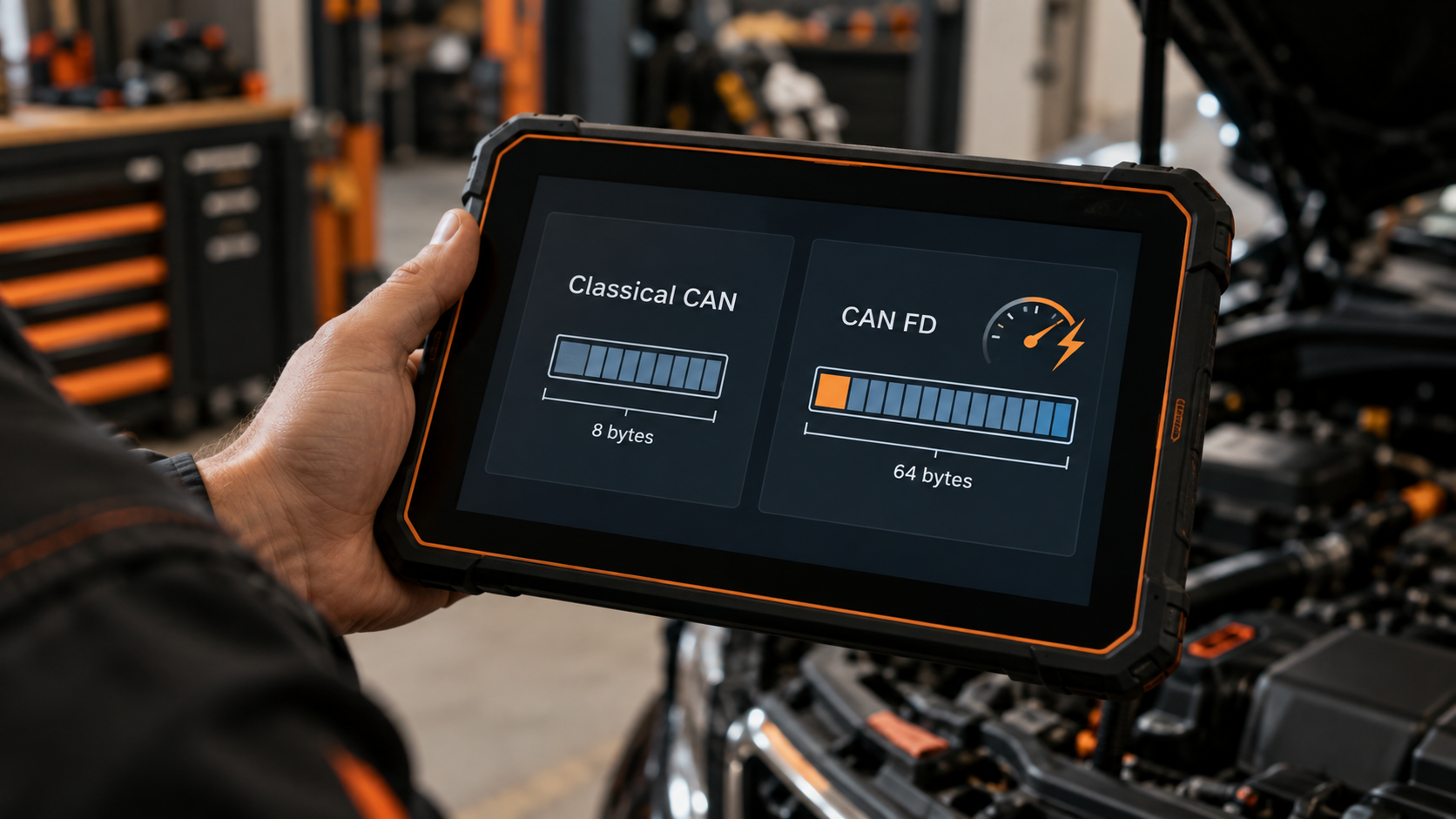
Partly, but that phrase is incomplete. CAN FD improves efficiency in two important ways: it can carry more payload per frame, and it can use a faster bit rate for the data portion of a CAN FD frame.
So “faster CAN” helps a beginner understand the direction. But the real improvement is larger payload plus flexible data-rate behavior.
Is CAN FD Always a Fixed Speed?
No. Avoid explainers that turn one possible implementation rate into the definition of CAN FD. The protocol is defined around the larger payload and flexible/faster data phase: actual usable rates depend on the network and physical-layer implementation.
The safe takeaway for a scanner buyer is not “CAN FD equals one exact speed.” It is: CAN FD supports a more capable data-transfer format than Classical CAN, and the scanner interface must support the implementation used by the vehicle.
Why Does CAN FD Matter for an OBD2 Scanner?
Because a scanner cannot diagnose a system if its interface cannot communicate using the protocol that system requires.
Think of scanner capability in layers: physical connection → communication protocol → vehicle/module access → diagnostic software/coverage → function.
CAN FD belongs primarily in the communication protocol layer. If that layer is missing, software features above it cannot magically compensate.
Does Every Modern Car Use CAN FD?
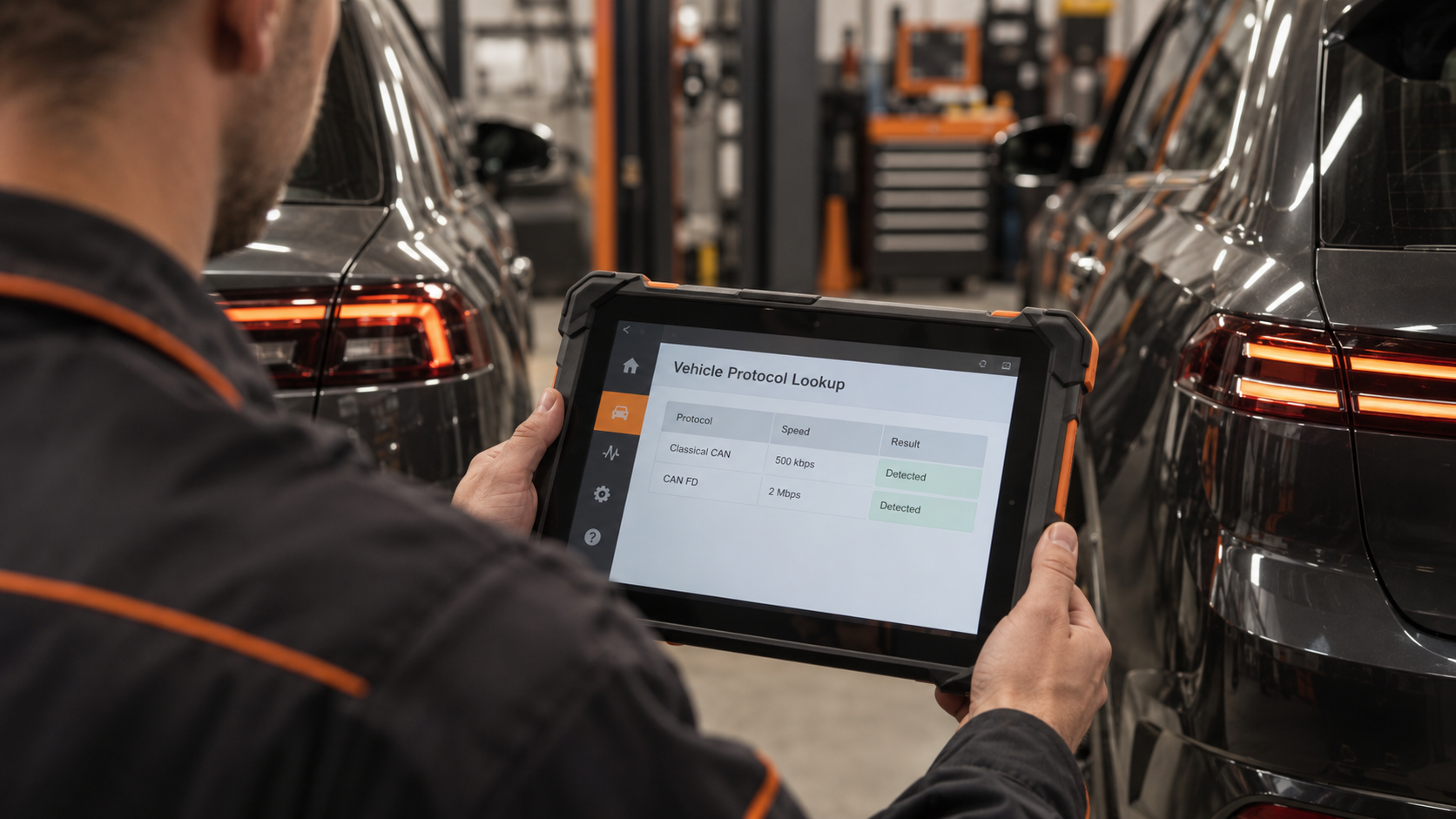
No. Vehicle network architecture varies by manufacturer, model, model year, platform, module and market. A vehicle can also use more than one communication technology across different networks/modules.
So do not use a rule such as “every vehicle after year X requires CAN FD.” That is not a safe universal assumption. Check the exact vehicle and required diagnostic function.
For the full compatibility process, read Will Any OBD2 Scanner Work With My Car? OBD2 Compatibility Explained.
Which Vehicles Use CAN FD?
Current professional scan-tool coverage shows that CAN FD is relevant to real late-model diagnostic work, with several manufacturers specifically associating CAN FD support with newer GM and Chrysler applications among others.
These are useful examples. They are not a universal database of every CAN FD vehicle. The correct buying process is always: exact vehicle → exact module/function → manufacturer coverage verification.
Can an Older OBD2 Scanner Work on a CAN FD Vehicle?
Possibly for some tasks, but do not assume complete coverage.
A modern vehicle can expose different diagnostics through different networks/protocols. An older scanner may still communicate with supported generic OBD functions or Classical CAN systems while lacking access to a system that requires CAN FD.
So the question is not “Does this scanner work at all?” It is “Can this scanner communicate with the exact module and perform the exact function I need?” This is why an old scanner can appear to “work” on a vehicle yet still miss newer diagnostic capability.
Does CAN FD Support Mean Full-System Diagnostics?
No. This is one of the most important distinctions.
CAN FD support means the interface can support CAN FD communication. Full-system diagnostics describes diagnostic access across multiple vehicle control systems/modules.
A scanner could theoretically support CAN FD communication while having limited diagnostic software coverage. Another tool could have broad full-system coverage on older vehicles but lack CAN FD hardware for newer applications. You need both the appropriate communication capability and the appropriate diagnostic coverage.
Read What Does Full-System Diagnostics Mean on a Scan Tool? for the module-access side.
Does CAN FD Mean Bidirectional Control?
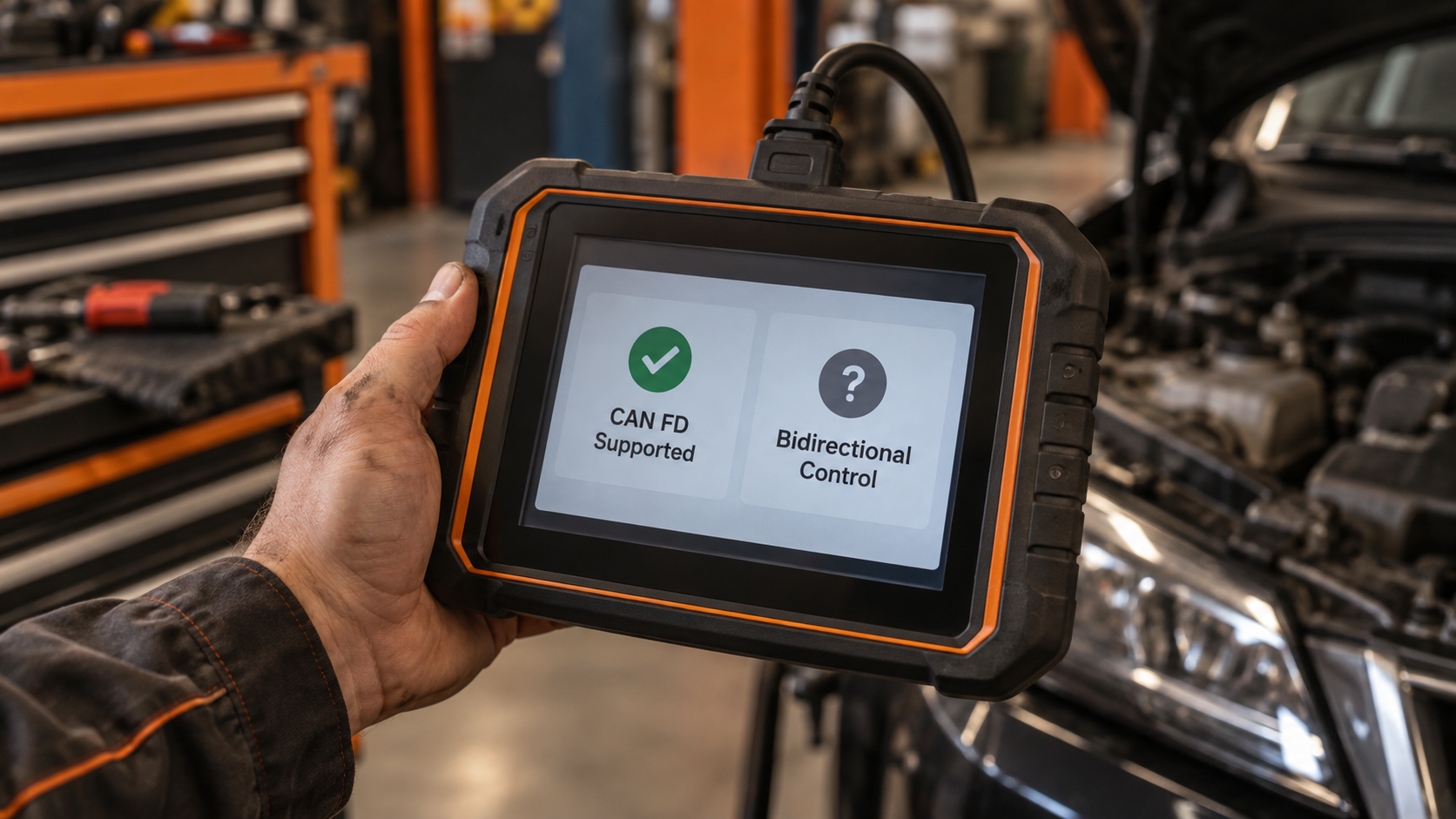
No. Bidirectional control is a diagnostic function. It lets a scan tool command supported components/functions for testing. CAN FD is a communication protocol.
A scanner may use CAN FD to communicate with a module that supports active tests. But CAN FD does not equal an active test. For the capability itself, read What Is Bidirectional Control on a Scan Tool? Active Tests Explained.
Does CAN FD Mean ECU Coding or Programming?
No. Again, separate the transport layer from the function layer. CAN FD can provide the communication path. Coding, adaptation and programming are different operations performed through supported diagnostic/programming workflows.
A tool that says “CAN FD Supported” has not automatically promised ECU Coding or ECU Programming. For those differences, read ECU Coding vs Programming vs Adaptation: What’s the Difference?
CAN FD vs DoIP
They are not the same protocol.
CAN FD is an evolution of Controller Area Network with larger payloads than Classical CAN and flexible/faster data-phase capability.
DoIP (Diagnostics over Internet Protocol) uses IP/Ethernet-based communication for vehicle diagnostics.
Both can matter on modern vehicles. That is why professional tools increasingly advertise them separately, with modern professional interfaces commonly supporting both DoIP and CAN FD together. If two separate boxes exist on a scanner specification sheet, do not mentally combine them into one technology.
Continue to DoIP Explained: Why Modern Scan Tools Use Ethernet for the next guide in this series.
CAN FD vs J2534
These are also different concepts.
CAN FD is a communication protocol. J2534 is a standardized pass-thru interface framework used in vehicle programming/reprogramming workflows.
A professional vehicle interface can support both. So J2534 does not equal CAN FD, and CAN FD does not equal J2534; they can coexist in the same diagnostic interface.
CAN FD vs Secure Gateway
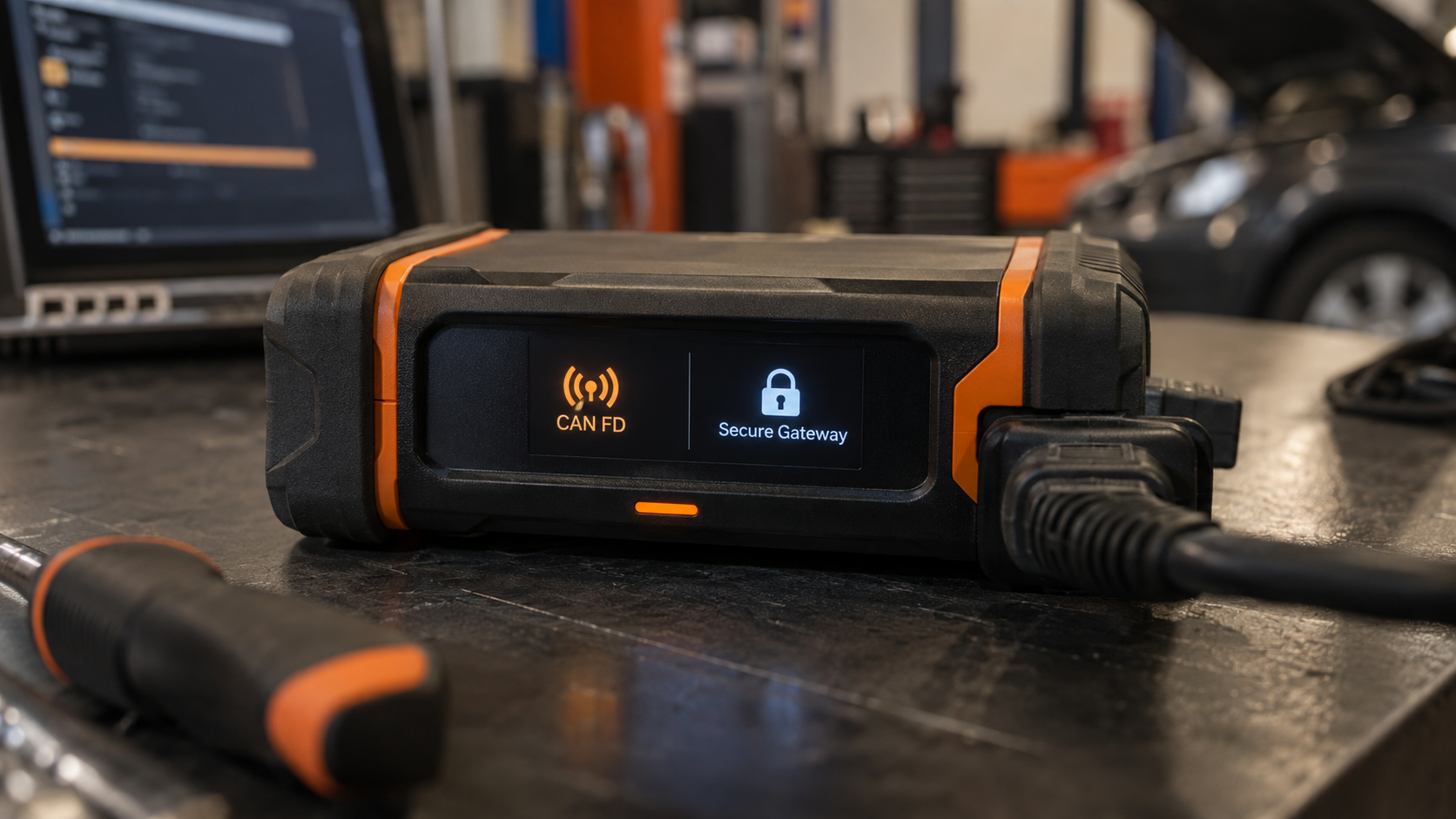
Also different. A secure gateway controls authorized diagnostic access on supported vehicles. CAN FD is a communication protocol.
A scanner may therefore need the correct communication protocol, compatible diagnostic software, and authorized secure-gateway access. Having CAN FD does not automatically unlock a secure gateway. And secure-gateway authorization does not create missing CAN FD hardware.
Why Current Professional Scanners Advertise CAN FD
Because protocol support affects late-model coverage. Modern professional interfaces increasingly bundle CAN FD and DoIP support into their vehicle communication hardware, then separately list features such as vehicle coverage, live data, topology and other functions.
That separation is instructive. CAN FD is part of the communication foundation. The diagnostic features sit above it.
How to Tell Whether You Need CAN FD
Step 1: Identify the exact vehicle. Make, model, year, engine/powertrain where relevant.
Step 2: Identify the job. Do you need generic OBD? Full-system scan? ABS/SRS? Active test? Coding? Programming? Service function?
Step 3: Check the scanner manufacturer’s exact coverage. Look for the exact vehicle, module, function and protocol requirement.
Step 4: Verify whether an adapter is required. Some diagnostic platforms can support newer protocols through integrated hardware, a newer VCI, or a manufacturer-specific adapter. Do not assume the base scanner has the capability merely because an accessory exists.
Step 5: Check subscription/software requirements. Protocol hardware alone does not guarantee the required software coverage.
Step 6: Check other access requirements. Modern vehicles may also involve secure gateway authorization, online access, OEM accounts, or other security procedures. CAN FD is one piece of the compatibility puzzle.
Should You Buy a Scanner With CAN FD?
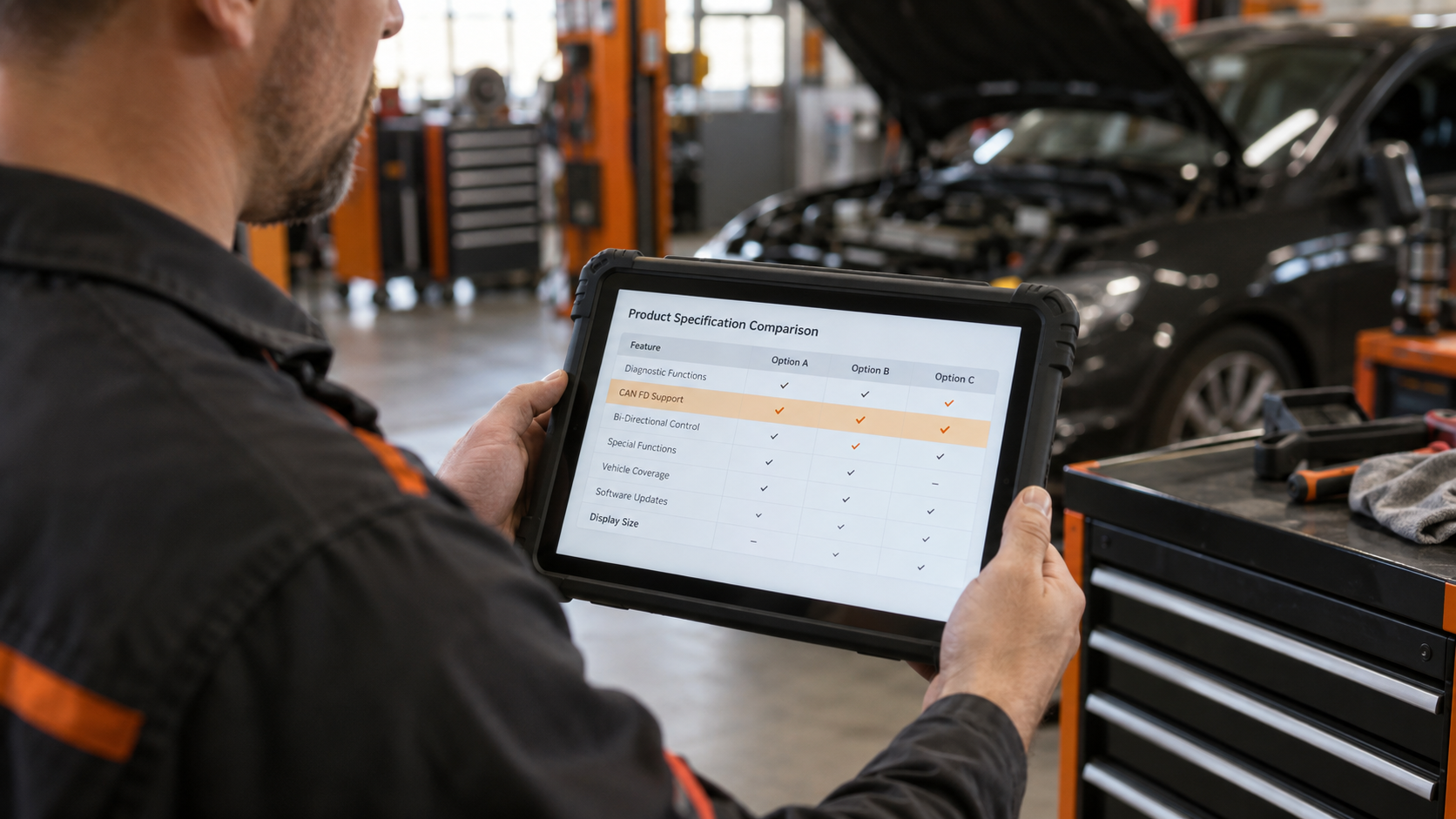
If you work mainly on older vehicles that do not require CAN FD for your diagnostic tasks, paying more solely for CAN FD may provide little immediate benefit.
If you work on applicable newer vehicles, or want broader future-facing coverage, it becomes more important.
The best buying rule is: do not buy CAN FD because it sounds newer. Buy it because your target vehicles and diagnostic jobs require it, or because the additional coverage fits your expected future use.
What If My Scanner Does Not Support CAN FD?
Do not immediately assume you need a completely new tool. First determine whether the exact vehicle/module actually requires CAN FD, whether your scanner manufacturer offers a compatible VCI/adapter, whether a software update is required, or whether your current tool already supports the required function another way.
If the scanner fails to communicate, follow Why Won’t My OBD2 Scanner Connect to My Car? before concluding that CAN FD is the cause.
Common Mistakes
Mistake 1: Treating CAN FD as a diagnostic feature. It is a communication protocol capability.
Mistake 2: Assuming CAN FD means full-system diagnostics. Protocol support and diagnostic coverage are separate.
Mistake 3: Assuming CAN FD means bidirectional control. Active tests are a separate capability.
Mistake 4: Assuming CAN FD means ECU programming. Programming is a separate workflow/capability.
Mistake 5: Assuming every newer vehicle uses CAN FD in the same way. Network architecture varies by vehicle/module.
Mistake 6: Treating CAN FD and DoIP as synonyms. They are different communication technologies.
Mistake 7: Buying from a protocol logo alone. Verify exact vehicle/module/function coverage.
Mistake 8: Assuming CAN FD alone bypasses a secure gateway. Communication protocol and authorized access are separate requirements.
FAQ
What does CAN FD stand for?
Controller Area Network with Flexible Data-rate.
What is the difference between CAN and CAN FD?
Classical CAN carries up to 8 data bytes per frame. CAN FD increases the data field to up to 64 bytes and can use a faster bit rate during the data phase.
Is CAN FD faster than CAN?
CAN FD can switch to a faster bit rate during the data phase and carries more data per frame. Actual network rates depend on implementation.
Is CAN FD the same as OBD2?
No. OBD2 is a diagnostic framework/regulatory system; CAN FD is a communication protocol that can be used in vehicle networks/diagnostics.
Is CAN FD the same as DoIP?
No. CAN FD is an evolution of CAN. DoIP uses IP/Ethernet-based communication for diagnostics.
Does CAN FD support mean a scanner can diagnose every module?
No. The scanner also needs exact vehicle/module/software coverage.
Does CAN FD support mean bidirectional control?
No. Bidirectional control is a separate diagnostic function.
Does CAN FD support mean ECU programming?
No. Programming capability must be verified separately.
Do all 2020+ cars require CAN FD?
No universal model-year rule should be used. Check the exact vehicle, module and diagnostic function.
Can a CAN FD controller communicate with Classical CAN?
CAN FD protocol controllers can also perform Classical CAN communication.
Can a Classical CAN-only scanner read CAN FD?
Do not assume so. A Classical CAN-only interface does not gain CAN FD capability merely because both technologies belong to the CAN family.
Do I need a CAN FD scanner?
You need CAN FD capability when the exact vehicle/module/function you want to diagnose requires it. Verify manufacturer coverage before buying.
The Bottom Line
CAN FD matters because modern vehicle diagnostics begins with communication.
The basic evolution is: Classical CAN (up to 8 data bytes per frame) → CAN FD (up to 64 data bytes per frame plus flexible/faster data phase).
But scanner buyers need one more equation: CAN FD support does not equal complete diagnostic support. A useful scanner needs the right combination of protocol, vehicle coverage, module access, function, and authorization/software.
CAN FD solves the protocol part. It does not automatically solve everything above it.
If you are checking whether a scanner will work on your exact vehicle, continue to Will Any OBD2 Scanner Work With My Car? OBD2 Compatibility Explained.
And for the other major modern diagnostic communication technology, continue to DoIP Explained: Why Modern Scan Tools Use Ethernet.
If CAN FD support matters for your vehicle, compare the Best Wireless Diagnostic Scanners With Dedicated Tablets or read our Thinkcar THINKDIAG 2 review.