Knowledge Hub
Will Any OBD2 Scanner Work With My Car? OBD2 Compatibility Explained
No, not in the sense most buyers mean.
If your vehicle is OBD2 compliant, a compatible generic scanner can usually communicate with the standardized OBD system and perform the functions that both the vehicle and tool support.
But that does not mean every OBD2 scanner can read ABS codes, read airbag/SRS codes, access the transmission module, scan every vehicle module, perform bidirectional tests, reset every service system, code modules, or program ECUs.
The most useful compatibility question is therefore not “Does this scanner work with my car?” It is “Does this exact scanner support the exact system and function I need on my exact vehicle?”
That one change in wording can prevent a lot of bad purchases.
The Short Answer
OBD2 scanner compatibility has several layers. A scanner can be compatible with your vehicle for basic OBD2 and still be incompatible with the advanced function you actually want.
Think of compatibility like this: vehicle OBD2 compliance → communication → system/module access → exact function support → exact vehicle configuration.
You need to reach the layer that matches your job. If all you want is to investigate a Check Engine light, the compatibility requirement can be relatively simple. If you want to command an ABS pump, register a battery, bleed ABS, perform a steering calibration or code a module, compatibility becomes much more specific.
Compatibility Has More Than One Layer
Suppose a scanner plugs into your car and reads a P0300 engine code. That proves something useful: the tool and vehicle successfully communicated for that supported OBD function.
It does not prove the same scanner can access the airbag module. And successful access to the airbag module does not prove it supports a particular calibration or active test.
So SCG separates compatibility into five questions: is the vehicle OBD2 compliant? Can the tool communicate with the vehicle? Can the tool access the required module? Can it perform the exact required function? Is that function supported on this exact vehicle configuration?
Do not skip from Question 1 to Question 5.
Layer 1: Is Your Vehicle OBD2 Compliant?
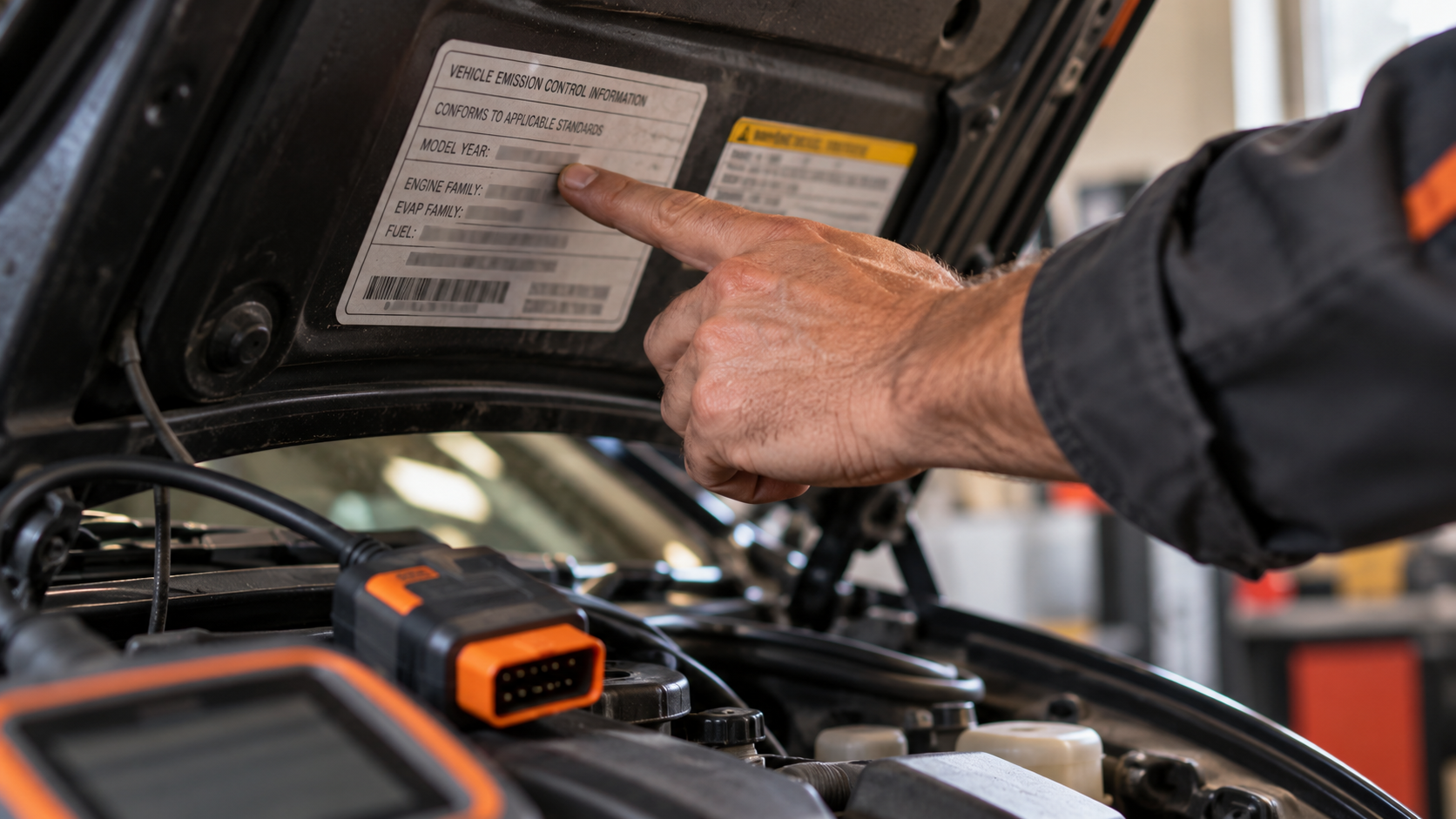
For the U.S. market, model year 1996 is the key practical baseline for light-duty OBD-II compatibility. Standardized OBD II appeared earlier on some vehicles, but full compliance was not required on all light-duty cars and trucks sold in the United States until model year 1996.
That is why scanner manufacturers commonly use wording such as “1996 and newer U.S. vehicles.”
But there are important details. Vehicle class, fuel type, market and regulatory history can affect the exact rule. And the U.S. date should not be copied onto the rest of the world.
Does 1996 Mean Every Car Everywhere?
No. One of the most common OBD2 compatibility mistakes is: “Any car made after 1996 is OBD2.” That is too broad, and it assumes the vehicle in question is OBD2 to begin with; see OBD2 vs OBD1: What Is the Difference and Does It Matter? if you are not sure yours qualifies at all.
The 1996 rule is primarily a U.S.-market reference. Other regions introduced OBD/EOBD requirements on different schedules. Also, where a vehicle was built is not the same as the market for which it was built to be sold.
OBD-II compliance depends on the country or region where the manufacturer intended the vehicle to be sold as new. So a vehicle manufactured in Japan for the U.S. market and a superficially similar vehicle manufactured in Japan for another market can have different regulatory compatibility histories.
When in doubt, verify the exact market vehicle.
Layer 2: Can the Scanner Handle the Vehicle’s OBD2 Communication?
“OBD2” is a diagnostic framework, not one single physical communication method used identically by every vehicle generation.
Vehicles have used standardized communication protocols including older ISO/SAE protocols and CAN-based OBD.
A properly designed generic scanner may automatically identify the supported OBD communication method. But compatibility can become more complicated when you move beyond basic regulated OBD into enhanced diagnostics, newer network technologies or manufacturer-specific systems.
This is one reason the statement “It has an OBD2 plug, so it will do everything” is wrong.
Does a 16-Pin OBD2 Port Guarantee Compatibility?
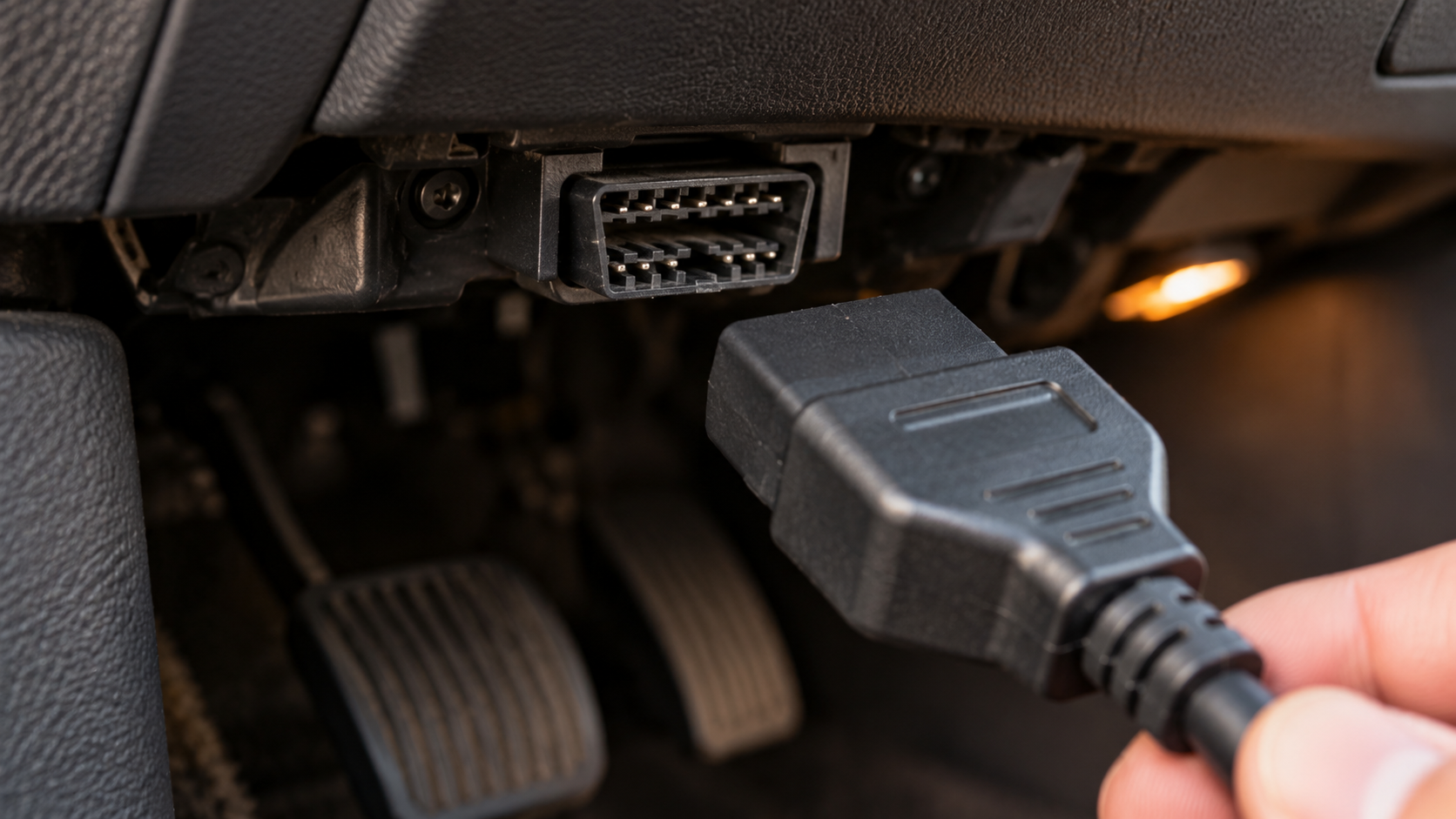
No. The familiar OBD2 Data Link Connector is a 16-position connector.
Its presence is useful evidence, but the connector shape alone does not prove that the vehicle is compliant with the exact diagnostic standard you expect, that every pin is used the same way for every diagnostic purpose, that every module is accessible by a generic scanner, that every enhanced function is supported, or that a particular scanner has the required software.
Physical connection is only the first step. A scanner still needs compatible communication and software support.
Layer 3: Can the Scanner Access the System You Need?
This is where many buyers discover that “OBD2 compatible” was not the question they actually needed answered.
A basic scanner may access standardized engine/emissions information but not provide enhanced access to systems such as ABS, SRS/airbag, transmission, body control, electronic parking brake, HVAC, steering, TPMS, or other manufacturer-specific modules.
A four-system scanner may add engine, transmission, ABS and SRS. A full-system scanner may access a much broader set of supported modules.
For the complete distinction, read What Does Full-System Diagnostics Mean on a Scan Tool?
But even full-system access is not the final compatibility layer.
Layer 4: Does It Support the Exact Function You Need?
Imagine that a scanner can enter your vehicle’s ABS module. You need to perform an automated ABS bleed. Does module access prove ABS bleeding support? No.
Or suppose the scanner can access the Body Control Module. Does that prove it can command every supported actuator? No.
A scanner’s functions can include different capability classes: read codes, erase codes, live data, ECU information, active tests, resets, relearns, calibrations, adaptations, coding, and programming. These must be checked separately.
This is why official coverage tools from major manufacturers allow compatibility searches at system/function or even sub-function level.
The buying rule is simple: verify the function, not just the vehicle name.
Why Make, Model and Year Matter
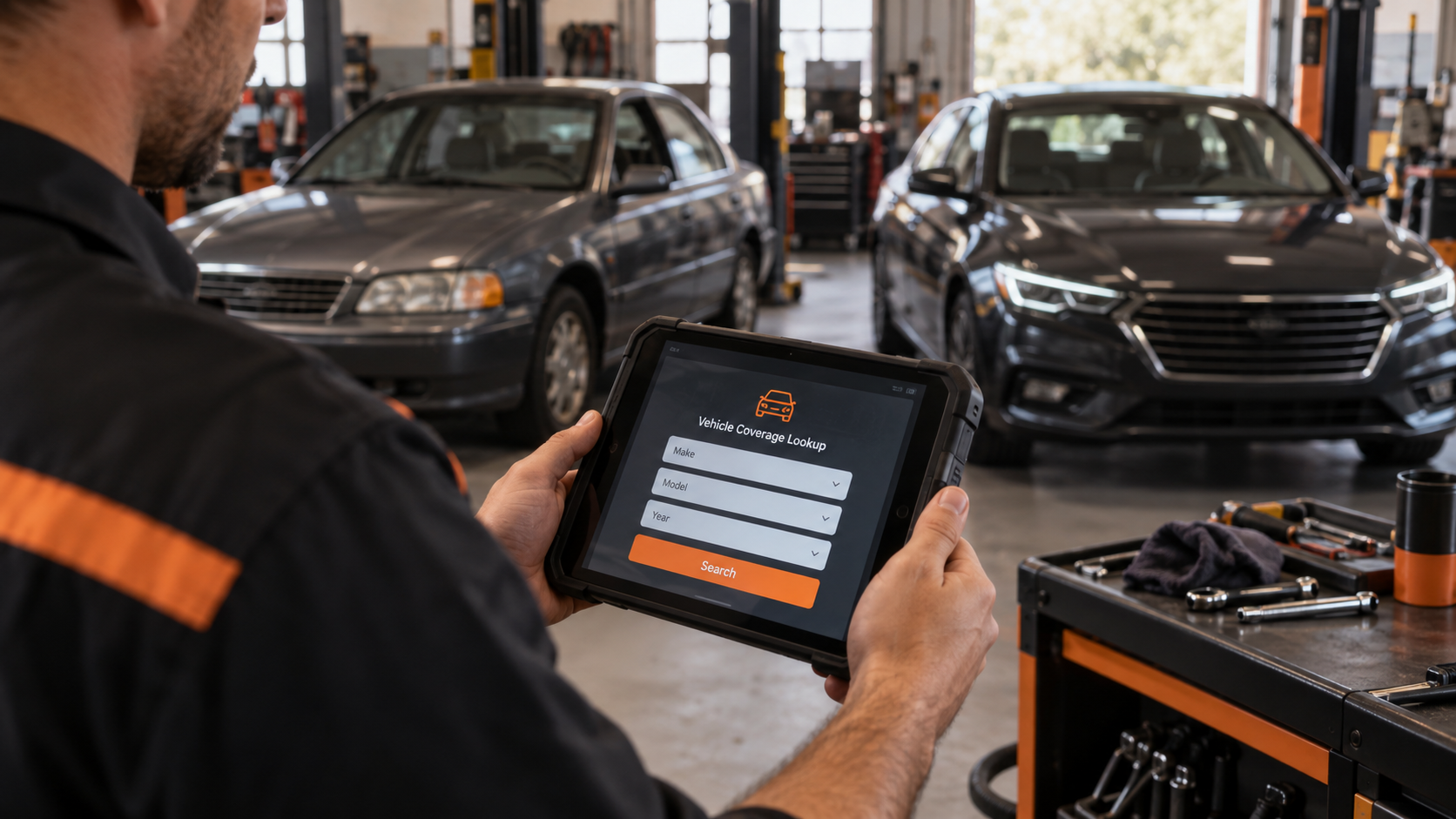
Vehicle electronics change. A model sold for ten years may use different modules, networks, engines, transmissions, security systems, diagnostic procedures and software architectures across its production run.
That means a scanner that supports a function on a 2017 model does not automatically support the same function on the redesigned 2024 version.
This is also why a manufacturer logo on a scanner page is weak evidence. “Toyota supported” or “Ford supported” is not enough. You need to know: which model? Which year? Which system? Which function?
Why Engine, Trim, Market and ECU Configuration Can Matter
Make/model/year is a strong starting point, but advanced diagnostics can require more detail.
Coverage may vary with engine, transmission, trim/equipment, hybrid/EV configuration, market/region, ECU version, optional systems, and vehicle security architecture.
Official scanner vendors acknowledge this variability, warning that specific diagnostic and service functions can vary by vehicle brand, model, production year and ECU configuration.
So when an advanced function is essential, provide as much exact vehicle information as the coverage system or manufacturer support requests. VIN-based confirmation can be especially useful when the vendor offers it.
Generic OBD2 vs Manufacturer-Specific Diagnostics
This distinction explains most compatibility confusion.
Generic OBD2. Standardized OBD gives compatible tools access to regulated diagnostic information. For a typical gasoline passenger vehicle, that can include emissions-related DTCs, Check Engine information, freeze frame, readiness, and standardized live data.
Enhanced/manufacturer-specific diagnostics. Additional vehicle systems and advanced functions often use manufacturer-specific diagnostic definitions and software coverage: ABS, SRS, body systems, enhanced transmission diagnostics, manufacturer PIDs, active tests, service functions, adaptations, and coding.
So: a car can be OBD2 compatible while a particular advanced scanner feature is not supported. There is no contradiction. They are different compatibility layers.
Why Newer Vehicles Can Add CAN FD, DoIP and Security Requirements
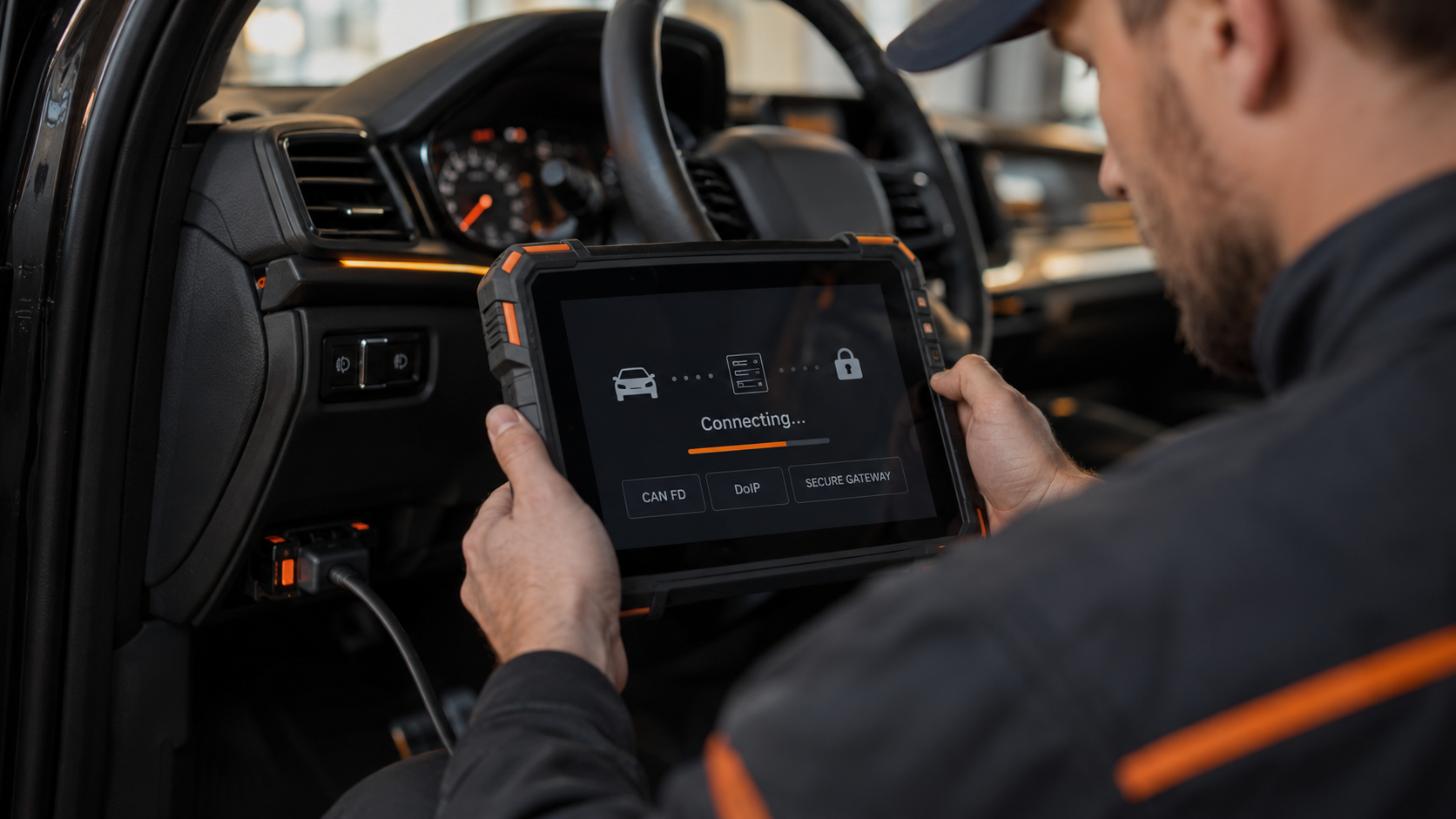
Modern vehicle diagnostics continue to evolve. Depending on the manufacturer and platform, newer vehicles may use technologies or access requirements such as CAN FD, DoIP, secure gateways, authenticated diagnostic access, or manufacturer-specific online services.
You do not need to buy every protocol acronym you see on a product page. But you do need to ask whether the scanner supports the technologies required by the vehicles you plan to diagnose.
A tool that was excellent for older vehicles can have limitations on a newer architecture. Likewise, a scanner advertising CAN FD does not automatically guarantee every diagnostic function on every CAN FD vehicle. Protocol support is another prerequisite, not a universal feature guarantee.
See CAN FD Explained and DoIP Explained for the two major modern communication technologies.
How to Check Scanner Compatibility Before You Buy
Step 1: Define the job. Do not start with the scanner. Start with what you need to do: read Check Engine codes, read ABS codes, view transmission live data, command a cooling fan, perform ABS bleeding, reset an electronic parking brake, register a battery, or perform steering-angle calibration. The more specific the job, the easier compatibility is to verify.
Step 2: Record the exact vehicle. At minimum: make, model, model year. For advanced functions, also record engine, transmission, trim/configuration, market and VIN where relevant.
Step 3: Check the scanner manufacturer’s official coverage resource. Prefer an official coverage checker over a generic marketplace statement.
Step 4: Check the exact system and function. Do not stop when the vehicle appears in the list. Look for vehicle → module/system → function → sub-function when the coverage tool provides that level of detail.
Step 5: Check protocol/security requirements. For newer vehicles, determine whether CAN FD, DoIP, secure-gateway access or another requirement affects the function.
Step 6: Ask manufacturer support if the answer is still unclear. For an expensive tool or critical function, contact the manufacturer with the exact vehicle information and required function. If the manufacturer cannot confirm it, treat the feature as unverified.
Step 7: Save the evidence. Coverage databases and software can change. For a purchase based on one critical function, save the coverage result, support email or screenshot.
What Manufacturer Coverage Checkers Can and Cannot Tell You
Coverage checkers are one of the best pre-purchase tools available. But they still need to be interpreted correctly.
They can help answer whether a vehicle, module or function is listed, whether support differs by year, and whether another scanner model has broader coverage.
They may not always prove how well the function performs in every real-world condition, whether an unusual vehicle configuration behaves identically, whether software has changed since the database entry, whether an online subscription/security authorization is additionally required, or whether the interface/workflow is good.
Coverage data is evidence: read it at the most specific level available.
Five Compatibility Mistakes to Avoid
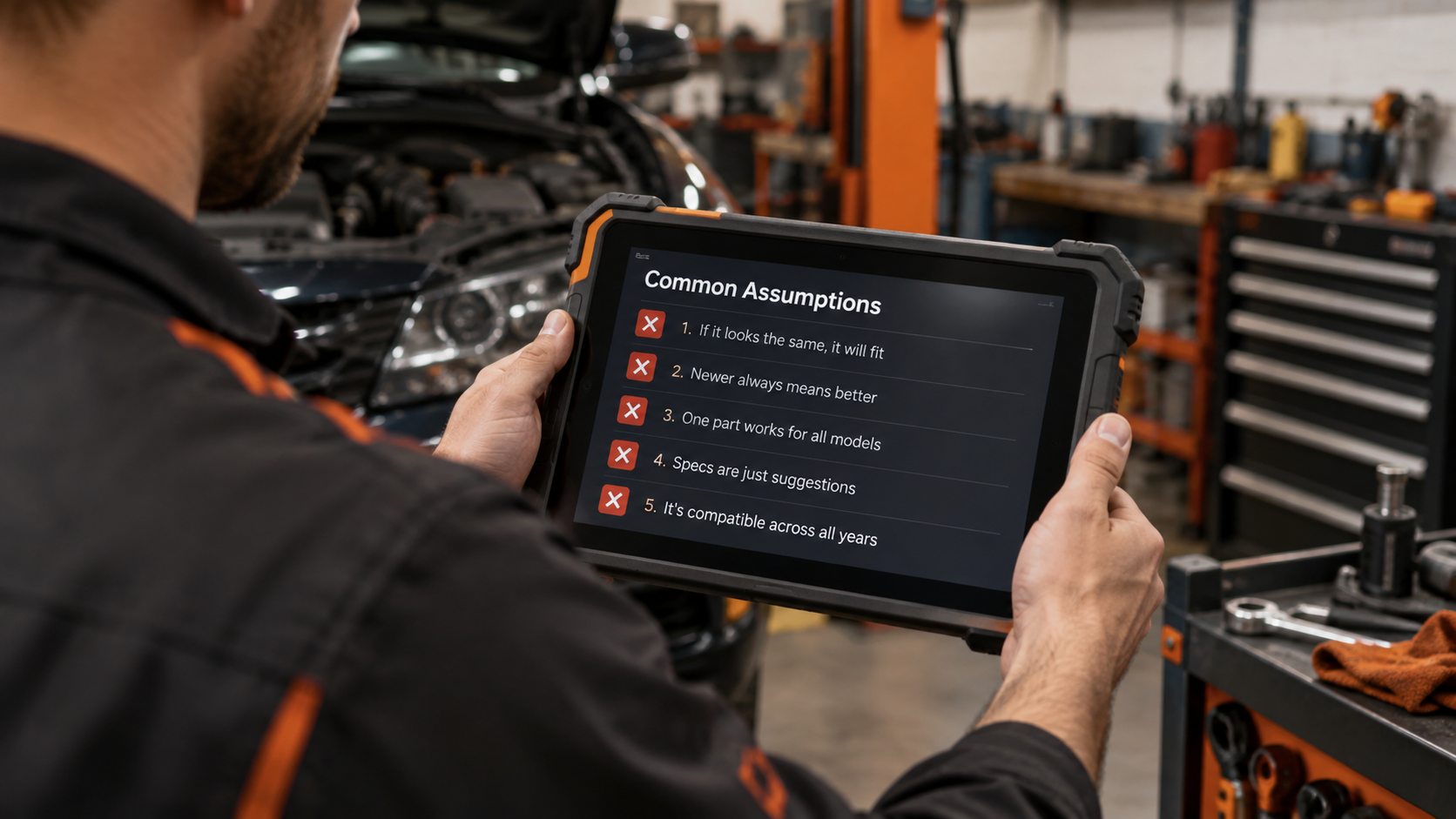
Mistake 1: “My car is newer than 1996, so every scanner will work.” No. That confuses U.S. OBD-II regulatory compatibility with scanner-specific enhanced coverage.
Mistake 2: “The plug fits, so the scanner supports the car.” No. Physical connector fit is only one prerequisite.
Mistake 3: “The scanner supports my brand.” Brand-level coverage is not enough for an advanced function. Verify model, year, system and function.
Mistake 4: “It is full-system, so every feature works.” No. Full-system describes diagnostic breadth. Active tests, service functions, coding and programming must be verified separately.
Mistake 5: “It says bidirectional, so it can run the active test I need.” No. Bidirectional coverage is vehicle- and function-specific. For the full explanation, read What Is Bidirectional Control on a Scan Tool? Active Tests Explained.
What If the Scanner Connects but a Feature Does Not Work?
This situation is possible. A scanner may successfully power on, identify the vehicle and read generic OBD2 codes, and still fail to provide the enhanced function you expected.
Possible reasons include: the function is unsupported on that vehicle; the scanner needs updated software; the wrong vehicle configuration was selected; the required module is not installed; the function requires a different ignition/engine state; a secure gateway or authorization is involved; the scanner has module access but not that function; or communication with the specific module has failed.
Do not immediately conclude that either the vehicle or scanner is defective. First determine which compatibility layer failed.
If the scanner cannot communicate at all, continue to Why Won’t My OBD2 Scanner Connect to My Car?
OBD2 Compatibility FAQ
Will any OBD2 scanner work on any car after 1996?
No. For U.S.-market light-duty vehicles, 1996 is the key OBD-II baseline, but scanner capability still varies. Basic standardized OBD access and advanced manufacturer-specific function coverage are different things.
Will any OBD2 scanner read my Check Engine light?
A compatible generic OBD2 scanner is designed for standardized emissions-related OBD functions on compliant vehicles. But verify the vehicle market/class and scanner support rather than applying the rule universally to every vehicle worldwide.
Will any OBD2 scanner read ABS codes?
No. ABS diagnostics are enhanced system access and require scanner/vehicle support beyond basic generic OBD2.
Will any OBD2 scanner read airbag codes?
No. SRS/airbag access must be supported by the scanner for the vehicle.
Will any OBD2 scanner read transmission codes?
Not necessarily. Generic powertrain OBD and enhanced transmission-module access are not the same thing.
Does a 16-pin port mean the car is OBD2 compatible?
The 16-position DLC is associated with OBD-II diagnostics, but connector shape alone should not be used as proof of every compatibility layer or advanced function.
Does the scanner have to list my exact model year?
For advanced diagnostics, exact year coverage matters and should be checked. Vehicle electronics can change significantly between model years and generations.
Can two scanners both support my car but have different functions?
Yes. One may offer basic OBD2 only, another four-system diagnostics, another full-system access, and another additional active tests, service routines or coding.
Does “all brands” mean all functions?
No. Brand coverage is not function coverage.
Is VIN checking better than make/model/year?
VIN can help identify the exact vehicle configuration, but a VIN match still does not automatically prove every scanner function. Use it together with function-level coverage information.
Can scanner compatibility change after a software update?
Coverage can evolve as scanner software is updated. Manufacturers can add, change or sometimes restructure diagnostic coverage. Check current official information before purchase or before relying on a critical function.
What if the coverage checker is unclear?
Ask the scanner manufacturer to confirm the exact vehicle and exact function. For an expensive purchase, do not guess.
The Bottom Line
Not every OBD2 scanner works with every car in the way buyers expect. The word “compatible” can mean several different things.
Use this hierarchy: is the vehicle OBD2 compliant? Can the scanner communicate with it? Can the scanner access the system you need? Does it support the exact function you need? Is that function supported on your exact vehicle configuration?
For basic Check Engine diagnostics, standardized OBD2 makes compatibility relatively broad. For ABS, SRS, transmission, full-system diagnostics, bidirectional tests, service routines, coding and newer vehicle architectures, compatibility becomes much more specific.
So before buying, do not ask only “Does it work with my car?” Ask: “Does this exact scanner perform this exact function on my exact vehicle?” Then verify the answer using the manufacturer’s current coverage data.
If you need to understand the difference between module access and advanced commands, continue to What Does Full-System Diagnostics Mean on a Scan Tool? and What Is Bidirectional Control on a Scan Tool? Active Tests Explained.
Ready to compare scanners? See the Best OBD2 Scanners or check your vehicle with our Scanner Finder.