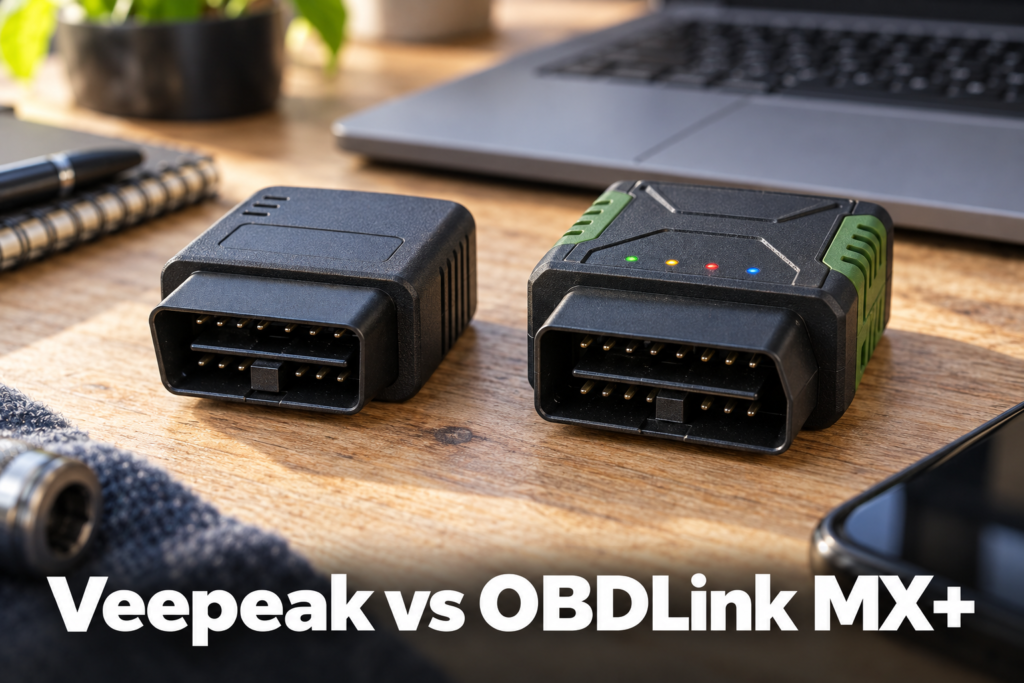
Veepeak OBDCheck BLE+ Plus vs OBDLink MX+: Which Should You Buy in 2026?
Neither of these adapters has bidirectional control or ECU coding confirmed, so this comparison is not about who does more; it is about protocol depth, app compatibility, and reliability. The OBDLink MX+ costs roughly three times as much, but it documents advanced Ford and GM network support, a specific 100-samples-per-second data rate, and a 3-year warranty. The Veepeak OBDCheck BLE+ Plus is the cheaper, simpler option, but it explicitly does not work with several premium coding apps that the OBDLink MX+ does not have that restriction against.
Affiliate Disclosure: Scan Choice Guide is a participant in the Amazon Services LLC Associates Program, an affiliate advertising program designed to provide a means for sites to earn advertising fees by advertising and linking to Amazon.com.
The Short Answer
Best for Advanced Protocol Support and Reliability: OBDLink MX+, with Ford MS-CAN/GM SW-CAN support and a 3-year warranty.
Best Budget Pick: Veepeak OBDCheck BLE+ Plus, compatible with specialized apps like BimmerCode and Carista at a lower price.
Two Buyer Scenarios
You own a Ford or GM vehicle, or plan to use a premium coding app like Carly, MHD, xHP, ProTool or bootmod3: the OBDLink MX+ is the documented, compatible choice; the Veepeak BLE+ Plus explicitly excludes these apps and lacks confirmed MS-CAN/SW-CAN support.
You want the lowest-cost adapter for basic generic OBD2 diagnosis with a simple third-party app like Torque or Car Scanner: the Veepeak BLE+ Plus covers this at less than a third of the OBDLink MX+’s price.
Veepeak OBDCheck BLE+ Plus
The Veepeak OBDCheck BLE+ Plus is a budget Bluetooth adapter at roughly a third of the OBDLink MX+’s price, working with both iOS via Bluetooth LE and Android/Windows via Classic Bluetooth, and compatible with specialized third-party apps like BimmerCode and Carista. Its ELM327 v2.2 chipset covers the standard protocol set across 1996-and-newer US vehicles. It lacks MS-CAN/SW-CAN support for advanced Ford and GM networks, which the OBDLink MX+ confirms, and is explicitly incompatible with several premium coding apps, so check your specific app needs before choosing the cheaper option.
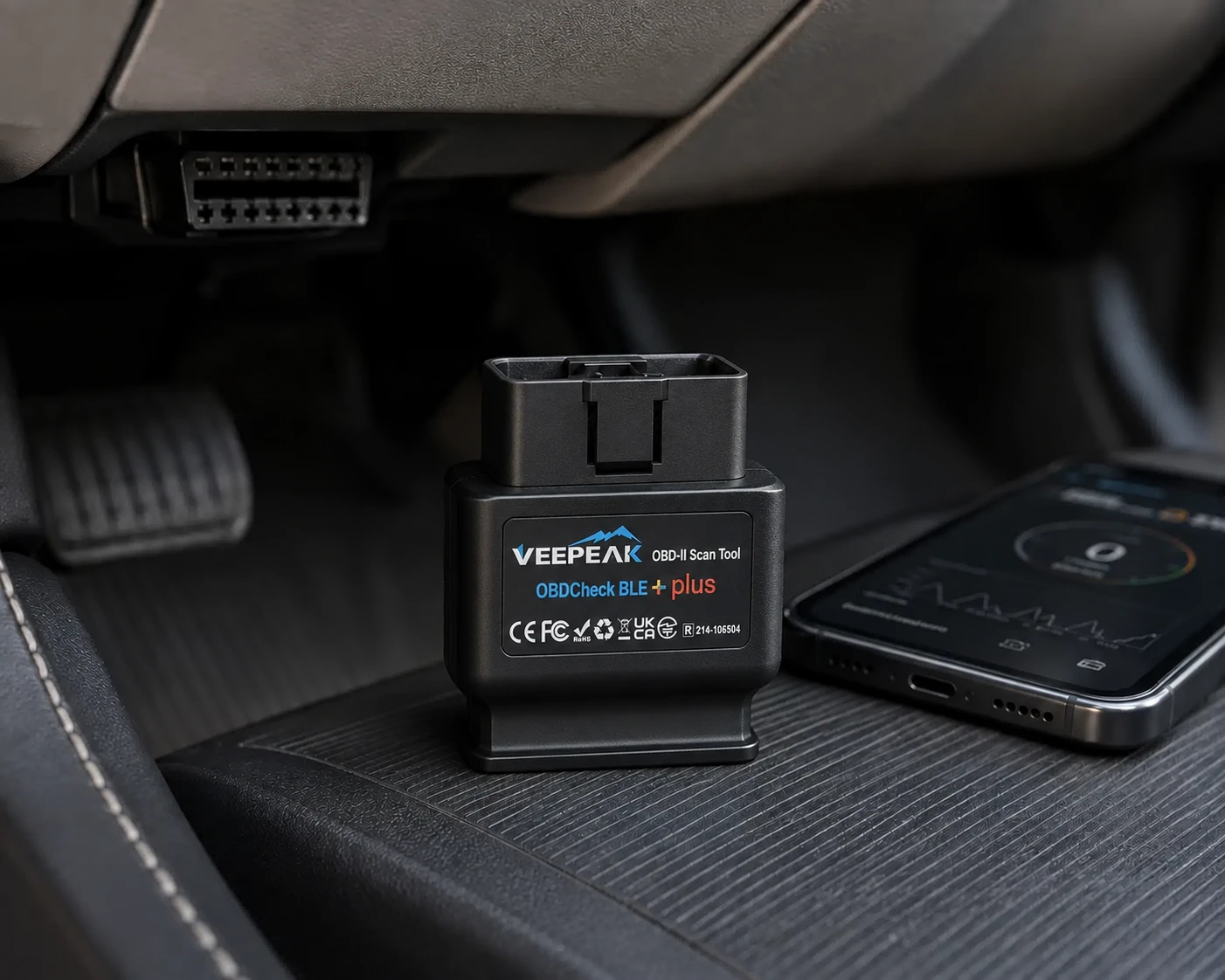
| Pros | Cons |
|---|---|
| Roughly a third of the OBDLink MX+'s price | No MS-CAN/SW-CAN support, unlike the OBDLink MX+ |
| Works with both iOS (Bluetooth LE) and Android/Windows (Classic Bluetooth) | |
| Compatible with specialized third-party apps like BimmerCode and Carista | Explicitly incompatible with several premium coding apps (Carly, MHD, xHP, ProTool, bootmod3) |
| ELM327 v2.2 chipset with broad standard-protocol support | |
| Includes a carrying case and user manual | No documented data sampling rate, warranty terms, or bundled app |
| 1996+ USA, 1998+ Canada, and 2001/2004+ EU vehicle compatibility |
OBDLink MX+
The OBDLink MX+ adds advanced Ford and GM network support (MS-CAN, SW-CAN) the Veepeak explicitly lacks, with a documented data sampling rate of up to 100 samples per second for real-time graphing. OBDLink backs it with a 3-year warranty and 180-day money-back guarantee, stated directly by the manufacturer, plus broad reference-grade compatibility with apps like FORScan, BimmerCode, and Carista. It costs roughly three times the Veepeak’s price, and full diagnostic depth still requires installing and configuring a separate third-party app, a real step beyond simply plugging it in.
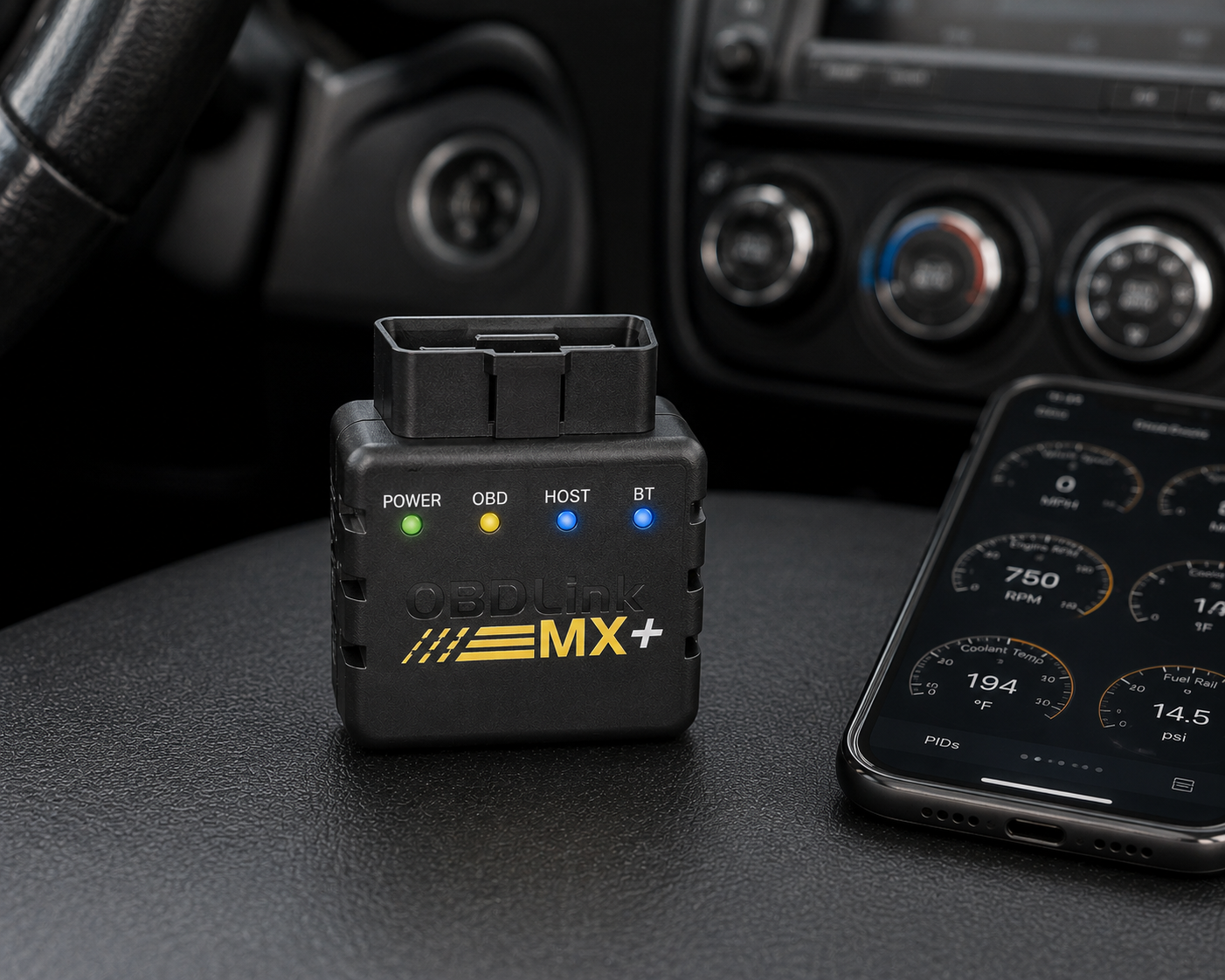
| Pros | Cons |
|---|---|
| Advanced Ford and GM network support (MS-CAN, SW-CAN), which the Veepeak explicitly lacks | Roughly three times the price of the Veepeak BLE+ Plus |
| Documented data sampling rate of up to 100 samples per second | |
| 3-year warranty and 180-day money-back guarantee, stated directly by OBDLink | No bidirectional control or ECU coding confirmed, same limitation as the Veepeak |
| No documented app incompatibilities, unlike the Veepeak's named exclusion list | |
| Bundled basic app plus broad reference-grade third-party app compatibility (FORScan, BimmerCode, Carista) | Full diagnostic depth still requires installing and configuring a separate third-party app |
| Free firmware/software updates, no subscription required |
Veepeak OBDCheck BLE+ Plus vs OBDLink MX+ at a Glance
| Specification | Veepeak OBDCheck BLE+ Plus | OBDLink MX+ |
|---|---|---|
| Price | Under $50 | $100-$150 range |
| Connectivity | Bluetooth LE (iOS) / Classic (Android, Windows), ELM327 v2.2 | Class 2 Bluetooth v3.0, 128-bit encryption |
| Advanced protocols | SAE J1850, ISO 9141-2, ISO 15765-4 CAN, ISO 14230-4 KWP2000; no MS-CAN/SW-CAN | All legislated OBD2 protocols plus advanced Ford & GM networks (MS-CAN, SW-CAN) |
| Data sampling rate | Not listed by the manufacturer | Up to 100 samples/second, documented |
| Bidirectional control | Not listed by the manufacturer | Not listed by the manufacturer |
| ECU coding / resets | Explicitly not supported (injector coding, EPB reset, ABS bleeding, oil/service resets) | Not listed by the manufacturer |
| Bundled app | None; requires a third-party app | Basic OBDLink app included, designed to pair with third-party apps |
| Documented app incompatibility | Carly, MHD, xHP, ProTool, bootmod3 | None documented |
| Warranty | Not listed by the manufacturer | 180-day money-back guarantee, 3-year warranty |
| Subscription | None disclosed | Free firmware/software updates, no subscription |
Price: A Meaningful Gap Between Two Non-Bidirectional Adapters
It’s worth stating plainly: neither adapter offers bidirectional control or ECU coding. The price difference is not buying “more diagnostic power” in that sense. It is buying deeper protocol support, a documented data rate, broader third-party app compatibility, and a real warranty.
Advanced Protocol Support: The OBDLink MX+’s Clearest Advantage
The OBDLink MX+ documents support for advanced Ford and GM networks (MS-CAN, SW-CAN) in addition to all legislated OBD2 protocols. The Veepeak BLE+ Plus’s own specification explicitly excludes MS-CAN/SW-CAN, limiting it to SAE J1850, ISO 9141-2, ISO 15765-4 CAN and ISO 14230-4 KWP2000. If you own a Ford or GM vehicle that relies on these dual-CAN networks for certain modules, the OBDLink MX+ has documented access the Veepeak does not.
Third-Party App Compatibility: A Real, Named Limitation on the Veepeak
Veepeak’s own page explicitly lists apps this adapter does not work with: Carly, MHD, xHP, ProTool and bootmod3. These are meaningful names in the enthusiast coding space, particularly for BMW and VW/Audi tuning-adjacent tools. The OBDLink MX+ does not carry an equivalent documented exclusion list, and is specifically built to pair with reference apps like FORScan, BimmerCode and Carista.
Data Sampling Rate: Only the OBDLink MX+ Publishes a Number
OBDLink documents up to 100 samples per second for live data. Veepeak’s own materials do not publish a comparable sampling-rate figure for the BLE+ Plus. For live-data-heavy diagnostic work, such as chasing an intermittent sensor fault, a documented sampling rate is a meaningful transparency advantage, even without a head-to-head benchmark.
Warranty and Guarantee: OBDLink States Terms, Veepeak Does Not
OBDLink’s own page states a 180-day money-back guarantee and a 3-year warranty. No equivalent warranty figure is documented for the Veepeak BLE+ Plus. This does not mean Veepeak offers no warranty, only that SCG has not found one stated as clearly on Veepeak’s own materials.
What’s Actually Included
Veepeak’s own listing documents the device, a carrying case and a user manual as what ships in the box. The OBDLink MX+ includes its basic companion app pre-paired to the hardware, though full diagnostic depth on either adapter still depends on installing a separate, compatible third-party app.
Bluetooth Class and Compatibility Model
The Veepeak BLE+ Plus supports Bluetooth LE for iOS and Classic Bluetooth for Android and Windows, via an ELM327 v2.2 chipset, covering both major phone platforms. The OBDLink MX+ uses Class 2 Bluetooth v3.0 with 128-bit encryption. Neither is documented as objectively “faster”; the more decisive difference remains protocol depth (criterion 2) and app compatibility (criterion 3), not the Bluetooth class itself.
Frequently Asked Questions
Does either the Veepeak BLE+ Plus or OBDLink MX+ support bidirectional control?
No. Neither is confirmed for bidirectional control on the manufacturers’ own pages.
Which adapter supports MS-CAN and SW-CAN networks?
Only the OBDLink MX+. The Veepeak BLE+ Plus’s own specification explicitly excludes these.
Is the Veepeak BLE+ Plus compatible with BimmerCode or Carista?
Yes, per Veepeak’s own materials, though it is explicitly incompatible with Carly, MHD, xHP, ProTool and bootmod3.
Does the OBDLink MX+ come with a warranty?
Yes, OBDLink states a 180-day money-back guarantee and a 3-year warranty directly on its own page.
Which is the better value for basic code reading only?
The Veepeak BLE+ Plus, at roughly a third of the price, for buyers who don’t need MS-CAN/SW-CAN access or the specific premium apps it excludes.
Bottom Line
Choose the OBDLink MX+ if you own a Ford or GM vehicle, plan to use a premium coding app like Carly or bootmod3, or want a documented warranty and sampling rate. Choose the Veepeak OBDCheck BLE+ Plus for basic generic OBD2 diagnosis at the lowest price. For more app-based adapter options, see our Bluetooth OBD2 scanner buying guide.
Affiliate Disclosure
SCG links to Amazon product pages for the scanners discussed above. SCG earns a commission on qualifying purchases made through these links.
Editorial Note
Every specification and capability claim above is sourced directly from the manufacturer’s own product pages, cross-checked against Amazon’s listing where applicable.