Knowledge Hub
Bluetooth vs Standalone OBD2 Scanners: Which Type Is Right for You?

A Bluetooth OBD2 scanner uses a phone, tablet or computer as much of its user interface.
A standalone scanner has its own screen and controls.
That sounds like a simple hardware choice. It isn’t.
The biggest mistake is choosing between Bluetooth and standalone before checking what diagnostic work the scanner actually needs to perform.
A Bluetooth tool can be far more capable than a cheap handheld code reader. A dedicated tablet can be far more capable than both. And two scanners that look completely different can sometimes perform many of the same basic OBD2 tasks.
So the right question is not “Is Bluetooth or standalone better?” It is “Which format gives me the required vehicle coverage and functions with the least unnecessary cost and friction?”
Start With Capability, Not Connection Type
Before comparing screens, cables or apps, define the job.
Do you need to read a Check Engine light, check emissions readiness, view live data, diagnose ABS or SRS, access all vehicle modules, perform active tests, run service functions, work on several makes, or perform advanced professional diagnostics?
Then verify that the scanner supports the exact vehicle and function. Only after that should you choose the interface you prefer.
If compatibility is still unclear, read Will Any OBD2 Scanner Work With My Car? OBD2 Compatibility Explained first.
What Is a Bluetooth OBD2 Scanner?
A Bluetooth OBD2 setup normally has two parts: an adapter connected to the vehicle’s diagnostic port, and software running on a compatible phone, tablet or computer.
The adapter handles communication with the vehicle while the app provides the user interface and much of the workflow.
Depending on the product ecosystem, the app may provide DTC reading and clearing, readiness, freeze frame, live data, graphing, reports, repair information, enhanced diagnostics, service functions, active tests, or other manufacturer-specific capabilities.
The exact feature set depends on the adapter, software, vehicle and license, not simply the word Bluetooth.
What Is a Standalone OBD2 Scanner?
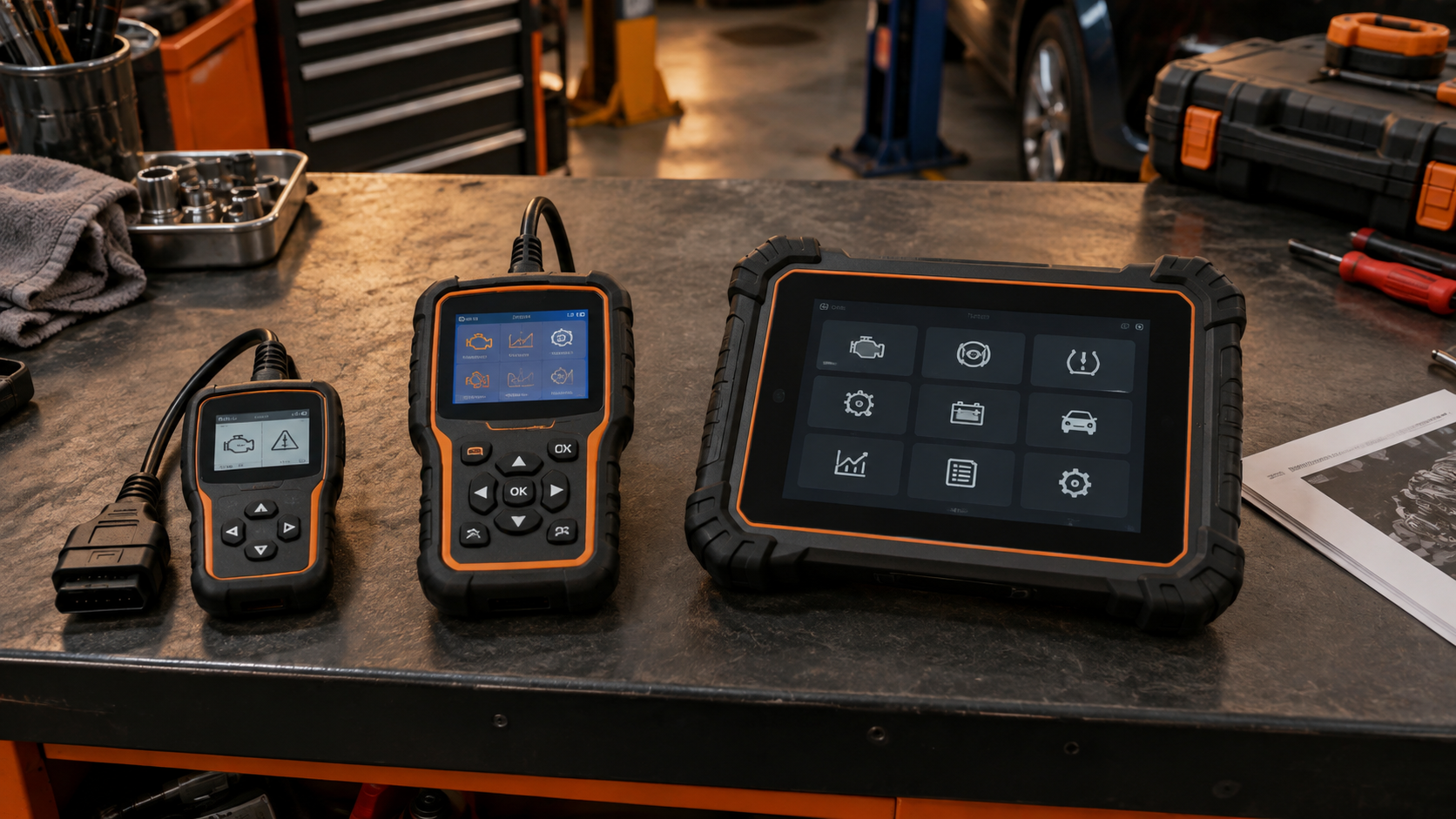
A standalone scanner contains its own user interface. It may be a small wired code reader, a handheld scanner with buttons and a color display, a touchscreen diagnostic tablet, or a professional platform with a separate wireless VCI.
So “standalone” is also not one capability class. A $40 handheld reader and a professional diagnostic tablet can both be dedicated devices while having almost nothing in common diagnostically.
That is why form factor must never replace feature verification.
Bluetooth Does Not Mean Basic
Bluetooth scanners are often associated with inexpensive code-reading dongles. That is only one part of the market.
App-based diagnostic ecosystems can support much more than generic engine codes. Depending on the exact tool and vehicle, they can offer enhanced module diagnostics, manufacturer-specific live data, service functions, active tests, coding-oriented functions, and reports and cloud/app features.
Therefore: do not reject a scanner because it uses a phone. Judge the actual coverage and software.
Standalone Does Not Mean Professional
The reverse mistake is equally common.
A scanner with its own screen, a cable, physical buttons and a rugged case may look more professional than a small Bluetooth adapter. That appearance tells you very little about diagnostic depth.
A simple handheld reader may still be limited mainly to generic OBD2 functions. A phone-based product may provide broader enhanced diagnostics. Or the dedicated device may be vastly more capable.
Verify the function list and vehicle coverage instead of judging the housing.
Where Bluetooth Scanners Can Be Better
Phone-sized display and interface. Modern phones provide high-resolution touchscreens and familiar navigation, which can make code descriptions, graphs, reports, search, screenshots and data sharing convenient.
Live-data graphing. App-based tools can be particularly convenient when graphing or logging supported PIDs. If live data is important to you, also read How to Read OBD2 Live Data: PIDs, Fuel Trims, O2 Sensors and More.
Portability. A small adapter can stay in a glovebox without taking much room. Your phone is already with you.
Software-driven features. Because much of the experience lives in software, app-based systems can integrate reports, databases, saved vehicles, cloud functions, updates and sharing. But software dependence is also a tradeoff.
Where Standalone Scanners Can Be Better
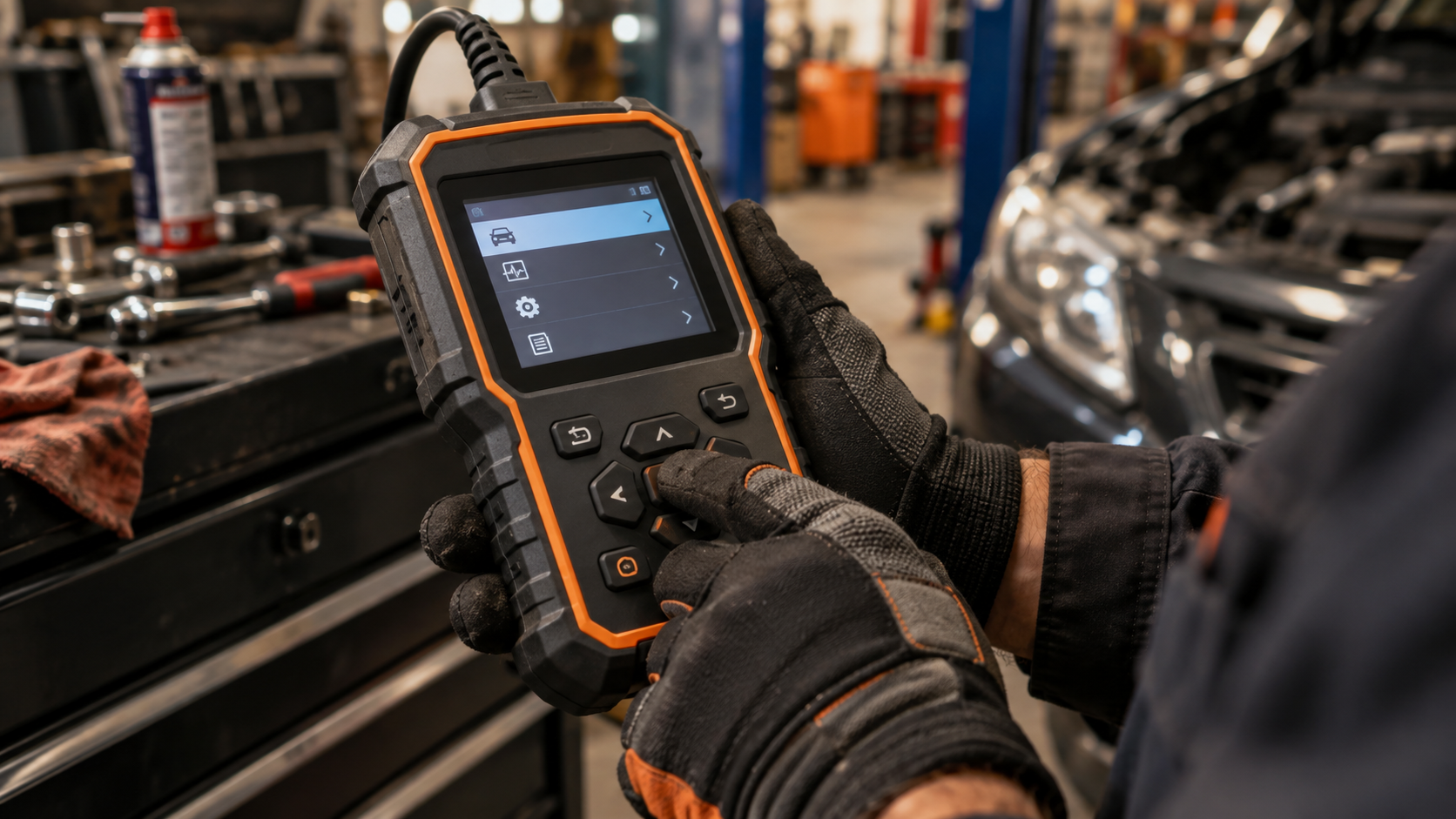
No personal phone required. A dedicated tool is ready as its own diagnostic device. You do not have to use your personal phone, interrupt navigation/calls, manage phone storage, or lend your unlocked phone to someone else.
Dedicated workflow. A purpose-built scanner can reduce distractions. Plug it in and use the tool. For a user who wants a simple code-reading workflow, that can be a major advantage.
Physical controls. Buttons can be useful in a workshop environment or when wearing gloves, depending on the scanner design.
Workshop ownership. A dedicated device belongs to the garage or technician workflow rather than to one person’s phone. That can matter when multiple people use the equipment.
But again, these are workflow advantages, not proof of greater diagnostic capability.
Wired vs Wireless Is a Separate Question
Do not confuse Bluetooth vs standalone with wired vs wireless.
Some standalone professional tablets communicate wirelessly with a separate VCI plugged into the vehicle. They are standalone diagnostic platforms but still use wireless communication between the VCI and tablet.
Likewise, a Bluetooth phone adapter is wireless between the adapter and phone but physically plugged into the vehicle DLC.
Use precise language. The scanner still connects to the vehicle’s diagnostic interface somehow.
Which Is Better for Live Data?
Neither format wins automatically. For live data, ask: which PIDs can the scanner access? Does it support manufacturer-specific data? How many PIDs can it display clearly? Can it graph several values? Can it record/log data? Can it export or share results? What is the practical refresh behavior? Is the app/interface easy to interpret?
A good phone app may provide excellent graphs. A good dedicated tablet may do the same. A cheap tool in either format may be limited.
The useful comparison is software and data capability, not Bluetooth vs cable.
Which Is Easier for a Beginner?
It depends on the person.
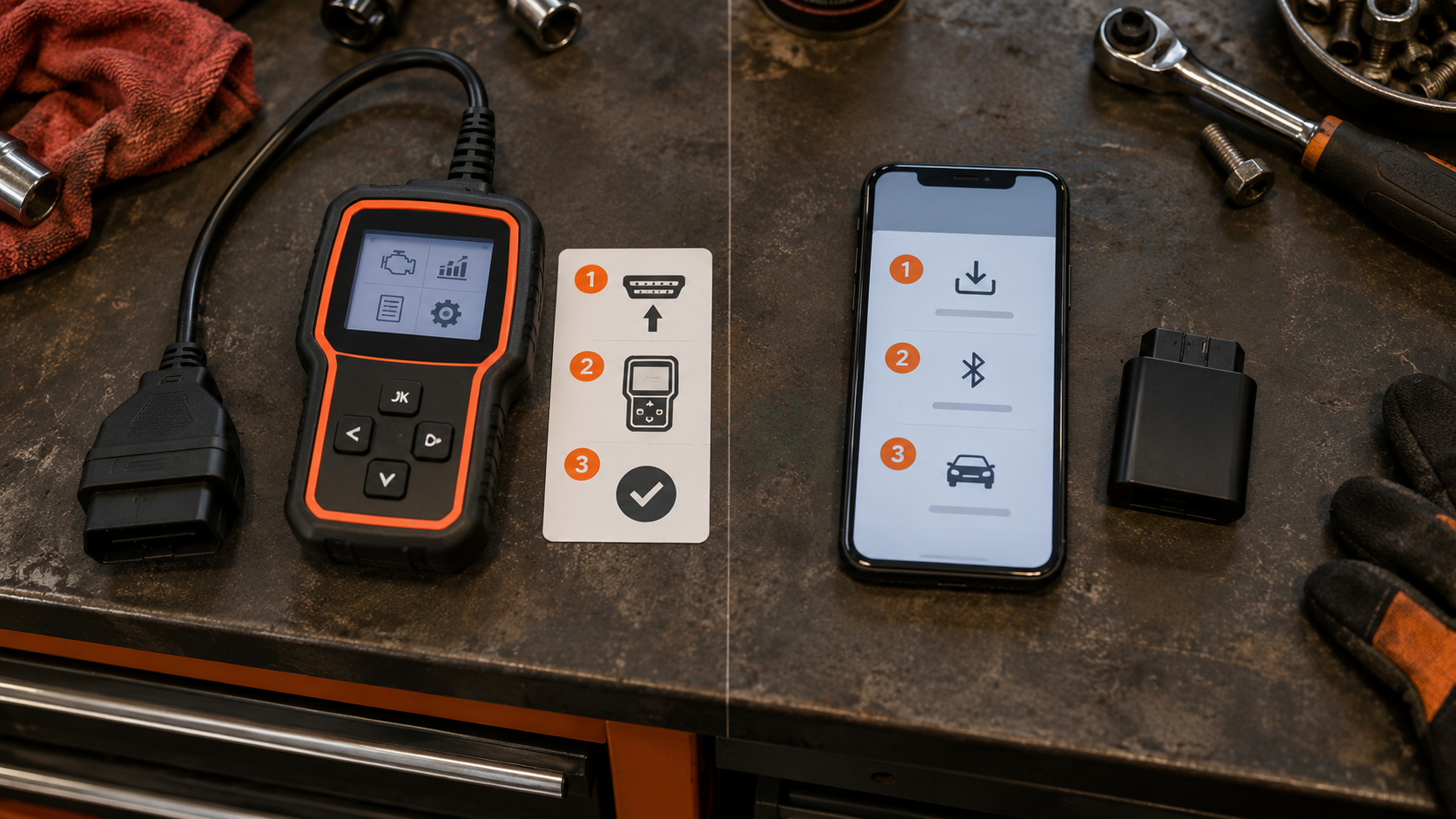
A basic standalone reader can be extremely simple: plug in → read codes → navigate with a few buttons. That is attractive if you want minimal setup.
A well-designed Bluetooth product can also be beginner-friendly because the phone app may provide guided menus, code explanations, repair information and saved reports. But it can add setup steps: install app, create account where required, pair/connect adapter, grant permissions, select vehicle, manage app/software.
For a first-time user who dislikes apps, standalone may feel easier. For someone comfortable with smartphones, Bluetooth may feel more natural.
Do Bluetooth Scanners Require Internet?
Do not apply one universal rule.
Bluetooth communication between the adapter and phone does not itself mean that an internet connection is required for every diagnostic function.
However, a particular app may use internet access for account login, cloud reports, repair databases, software downloads, subscription validation, vehicle data, or other online services. Another product may perform core functions offline once the software is installed.
Check the exact product. Bluetooth and internet are not the same thing.
Do Bluetooth Scanners Require a Subscription?
Not necessarily. Subscription policy belongs to the product/software business model.
Some app-based tools charge for advanced functions, manufacturer packages, premium reports, annual access, or additional vehicles/features. Others provide substantial functionality without an ongoing subscription.
And standalone tools can also have paid update plans, subscriptions or expiring software support. Conversely, some standalone manufacturers explicitly offer free updates.
Never infer lifetime cost from form factor. Check the actual commercial model. See OBD2 Scanner Subscriptions Explained for the complete framework.
Updates Matter More Than Many Buyers Expect
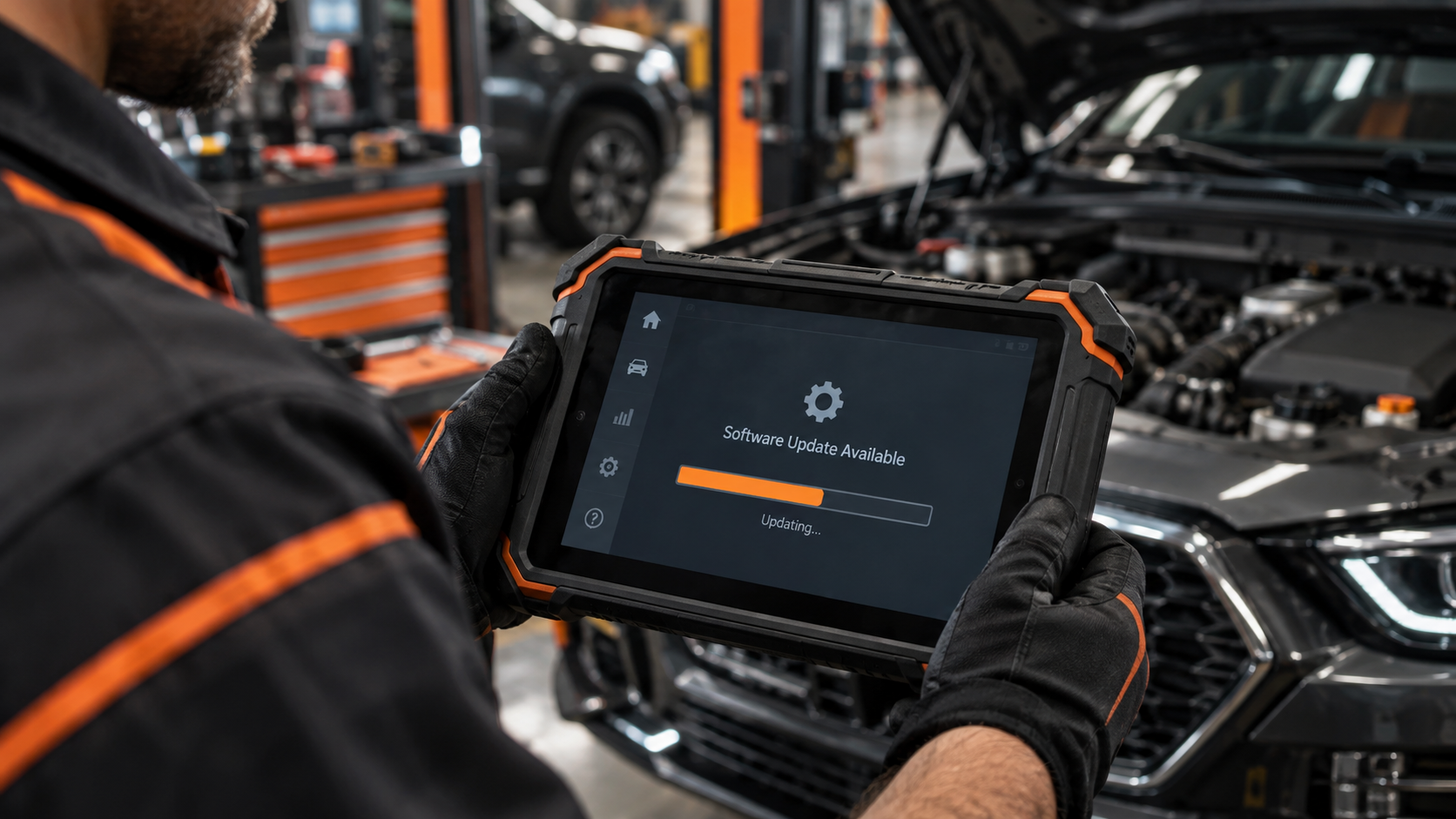
Modern scanners are software products as much as hardware products. Vehicle coverage changes as new models and systems appear.
Before buying, ask: are updates free or paid? For how long? What happens if I stop paying? Does the scanner keep existing functions? Do advanced features require a subscription? Are manufacturer packages separate? Does the app still support my phone OS? Is an account required? Can the tool be used offline for the functions I need?
A cheaper scanner with an expensive software model may cost more over several years. A more expensive tool with long free support may be cheaper over its useful life. Calculate total cost, not just purchase price.
Phone Compatibility Matters
For Bluetooth/app scanners, verify iOS support, Android support, minimum OS version, Bluetooth requirements, tablet support if relevant, and app availability in your region.
Do not assume that because the adapter physically fits the car, the app will work on every phone. Phone replacement and future OS updates can also matter over a long ownership period.
Vehicle Compatibility Still Comes First
Suppose Scanner A is Bluetooth and Scanner B is standalone. You need a specific ABS active test. Scanner A supports it on your vehicle. Scanner B does not.
Scanner A is the better diagnostic choice for that job, regardless of hardware preference. Reverse the coverage and the answer reverses.
This is why SCG’s order is: job → vehicle → module → function → software model → interface. Not: Bluetooth → standalone → hope it works.
Bluetooth vs Standalone by User Type
Occasional car owner. You mainly want to understand a Check Engine light and check basic OBD information. Either format can work. Choose based on simplicity, price, app preference and update/support model.
Beginner DIYer. You want codes, freeze frame, readiness and useful live data without complexity. A simple dedicated reader can be attractive. A strong beginner-oriented app can also work well. Focus on clear explanations and verified vehicle support.
Enthusiast. You use live data, logging and deeper diagnostics regularly. App-based graphing can be attractive, but enhanced vehicle coverage matters more than interface.
Advanced DIYer. You need multiple modules, service functions, active tests and deeper live data. At this point, capability and coverage dominate the decision. Either architecture can be appropriate.
Professional technician. You need repeatable workflow across many vehicles. Important factors can include broad vehicle coverage, all-system diagnostics, active tests, service functions, coding/programming requirements, secure gateway access, CAN FD/DoIP support where needed, reporting, update policy, support, speed and shop durability. “Bluetooth or standalone?” becomes only one small part of the decision.
A Simple Decision Process
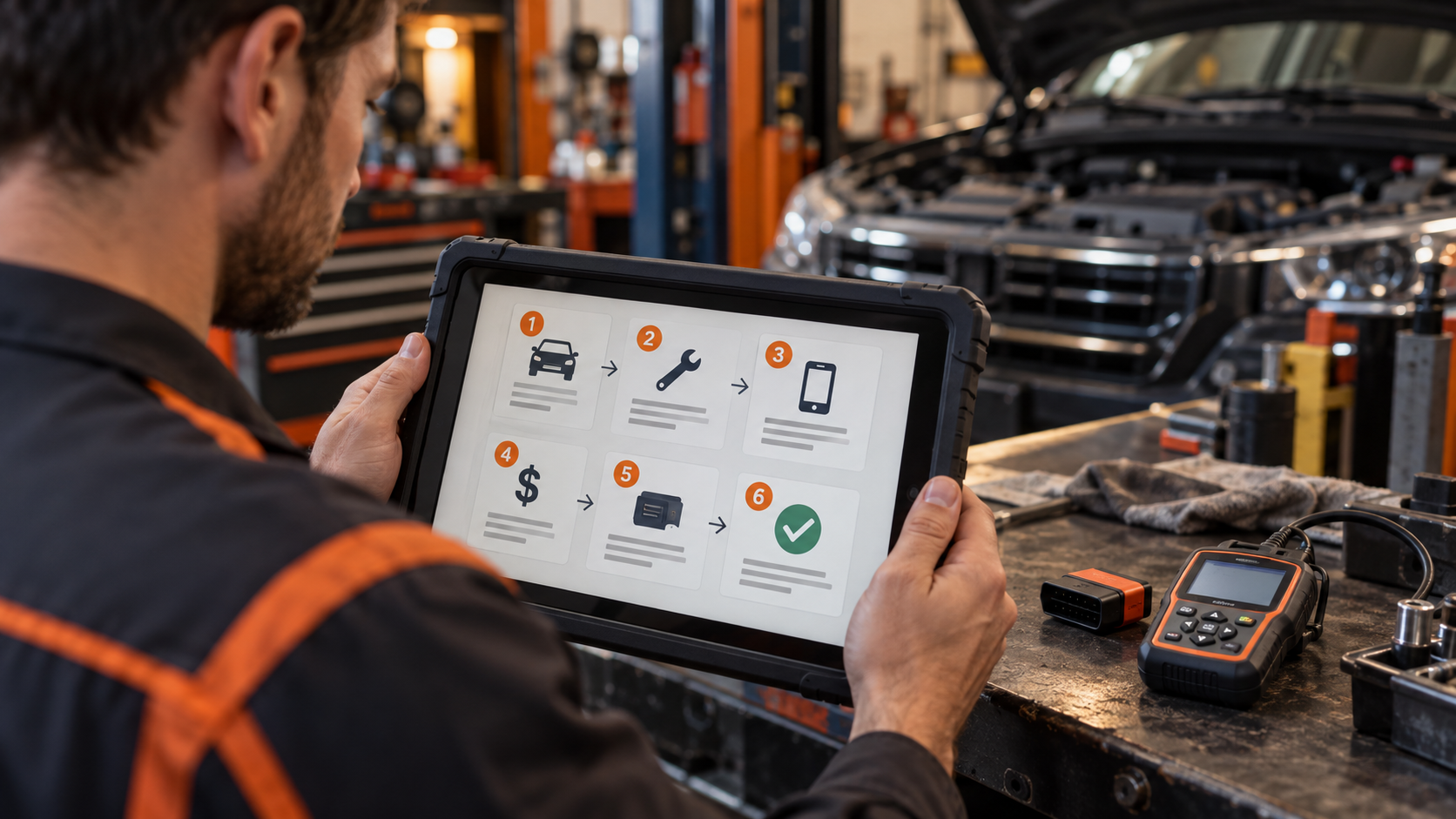
Step 1: Define the hardest job you realistically need to do. Do not buy for imaginary future features. Do not buy a tool that cannot do the work you already know you need.
Step 2: Verify exact vehicle and function coverage. Use official manufacturer coverage data where available.
Step 3: Decide whether you want your phone involved. If no, eliminate phone-dependent products. If yes, keep both formats open.
Step 4: Check software and ownership costs. Include subscriptions, updates, paid brand packages, app costs, and required accounts.
Step 5: Compare workflow. Ask about screen quality, buttons/touchscreen, graphing, reports, portability, setup time and workshop use.
Step 6: Compare exact products. Only now should you move into SCG’s commercial content. Use Best Bluetooth OBD2 Scanners if phone/app workflow fits you. Use Best Standalone OBD2 Scanners That Don’t Require a Phone if you want a dedicated tool.
Common Buying Mistakes
Mistake 1: Choosing Bluetooth because it is cheaper. Some Bluetooth tools are inexpensive. Others are advanced ecosystems. Price and connection type are separate variables.
Mistake 2: Choosing standalone because it looks professional. A dedicated screen does not prove advanced diagnostics.
Mistake 3: Ignoring software costs. The purchase price may not be the total cost.
Mistake 4: Ignoring phone compatibility. An excellent adapter is useless to you if its required app does not support your device/workflow.
Mistake 5: Assuming wireless means internet-dependent. Bluetooth and internet access are different technologies. Check what the app actually requires.
Mistake 6: Comparing products before checking vehicle coverage. The most attractive interface cannot compensate for a missing diagnostic function.
Mistake 7: Buying more capability than you will use. A professional platform is not automatically a better purchase for someone who only wants basic Check Engine diagnostics.
Bluetooth vs Standalone OBD2 Scanner FAQ
Are Bluetooth OBD2 scanners as good as handheld scanners?
Some are, for particular jobs, and some are more capable than basic handheld readers. Others are much more limited. Compare exact functions and vehicle coverage rather than connection type.
Are Bluetooth OBD2 scanners accurate?
Bluetooth itself does not determine diagnostic accuracy. The adapter hardware, protocol implementation, software, vehicle data and interpretation all matter.
Is a wired scanner more reliable than Bluetooth?
A wired device removes the wireless link between the user interface and scanner hardware, which can simplify the connection chain. But that does not justify a universal claim that every wired scanner is more reliable than every Bluetooth product. Product quality matters.
Do I need a phone for a Bluetooth OBD2 scanner?
For phone/app-based Bluetooth adapters, yes: a compatible phone, tablet or other supported host device is part of the system.
Can I get an OBD2 scanner that does not require a phone?
Yes. Standalone handheld and tablet scanners have their own interface.
Is Bluetooth good for live data?
It can be. Many app-based scanners offer useful graphing/logging. Check supported PIDs, enhanced coverage and actual software features.
Can Bluetooth scanners perform bidirectional tests?
Some can on supported vehicles. Bluetooth is only the communication/interface architecture; bidirectional capability must be verified separately.
Can standalone scanners perform bidirectional tests?
Some can. Many basic standalone readers cannot. Again, verify the exact tool and vehicle.
Which is better for ABS and SRS?
Whichever exact scanner has verified ABS/SRS coverage for your vehicle. Form factor alone does not answer this.
Which is better for professional use?
Professional users usually need to prioritize coverage, speed, active tests, service functions, protocols, security access, updates, support and workflow. The answer can be a dedicated professional tablet, another diagnostic platform or a specialized app-based solution depending on the job.
Which is cheaper?
Entry-level Bluetooth adapters can be inexpensive because they use an existing phone as the interface. But long-term cost depends on the exact hardware, apps, subscriptions, updates and feature packages.
Which should a beginner buy?
If you want maximum simplicity and no phone setup, a basic standalone tool may suit you. If you prefer a modern app interface, reports and graphing, a beginner-friendly Bluetooth ecosystem may suit you. In both cases, verify vehicle coverage first.
The Bottom Line
Bluetooth and standalone are interfaces, not diagnostic quality grades. A Bluetooth scanner can be simple or advanced. A standalone scanner can be simple or advanced.
Choose in this order: what job do I need to perform? Does the scanner support my exact vehicle and function? What software, update and subscription model does it use? Do I want a phone-based or dedicated workflow? Which exact product gives me the best fit without paying for capability I will not use?
If you want a phone/app workflow, continue to Best Bluetooth OBD2 Scanners.
If you want a dedicated scanner with no phone required, continue to Best Standalone OBD2 Scanners That Don’t Require a Phone.
If you still need to determine whether a particular tool supports your car, read Will Any OBD2 Scanner Work With My Car? OBD2 Compatibility Explained before choosing either format.